Finding Your Tribe by Embracing Differences

Learning who your tribe isn’t can be just as valuable as learning who it is.

In my last post, I wrote about choosing yourself. I intended to go deeper into personal identity and the idea of pursuing multiple ideas to see which ones “choose you back,” but I didn’t quite get there. Those are threads I’ll come back to.

For now, I want to explore a related concept: focusing on the 33% of your audience who truly resonate with you.

That recent post was inspired by the song “Choose Yourself“.

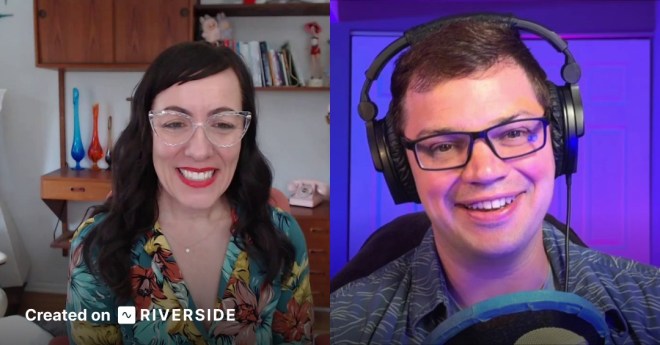
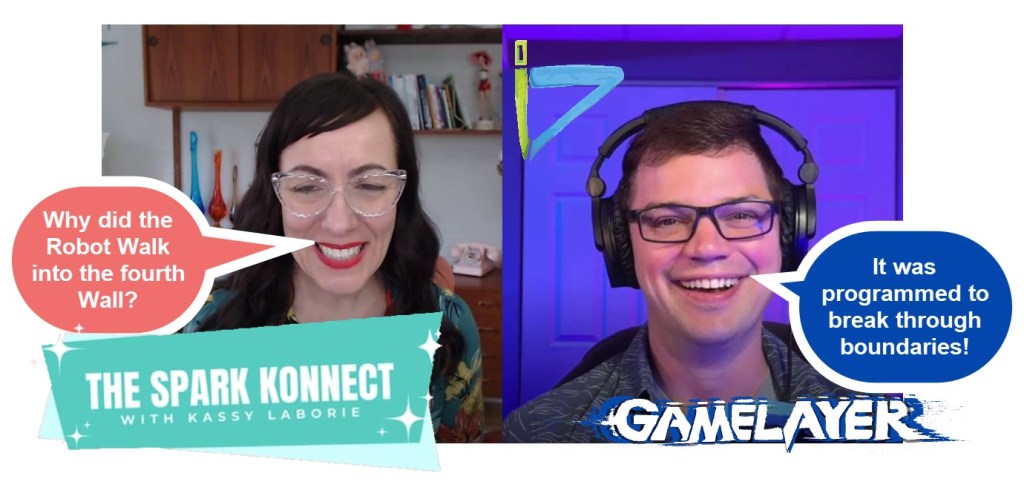
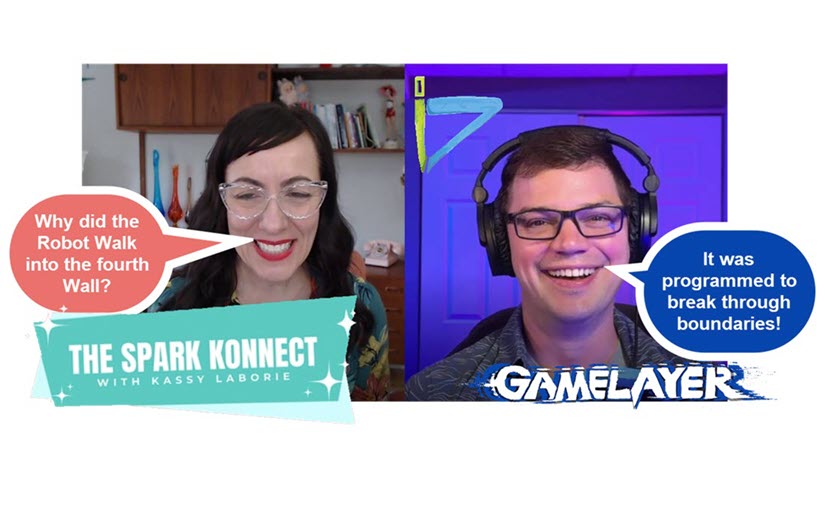
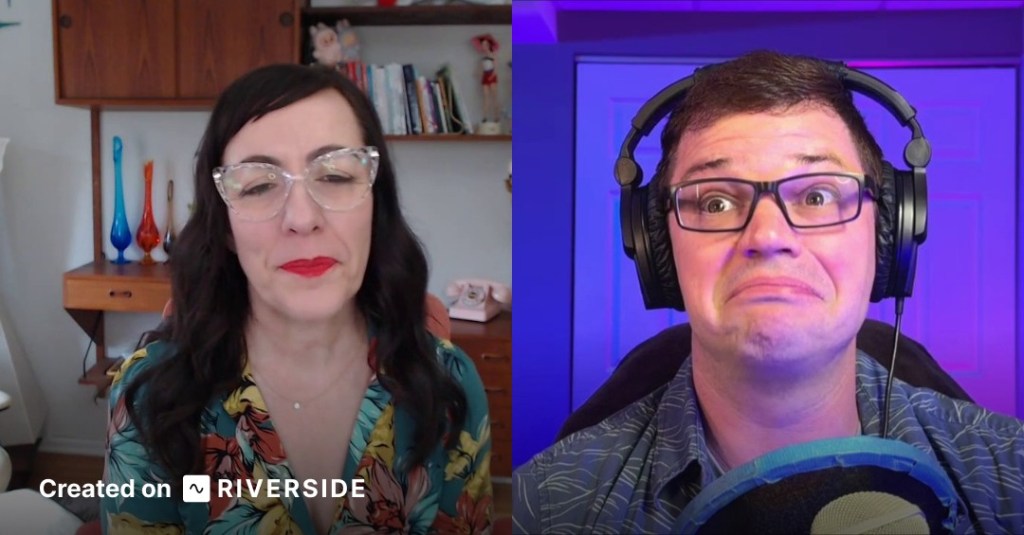
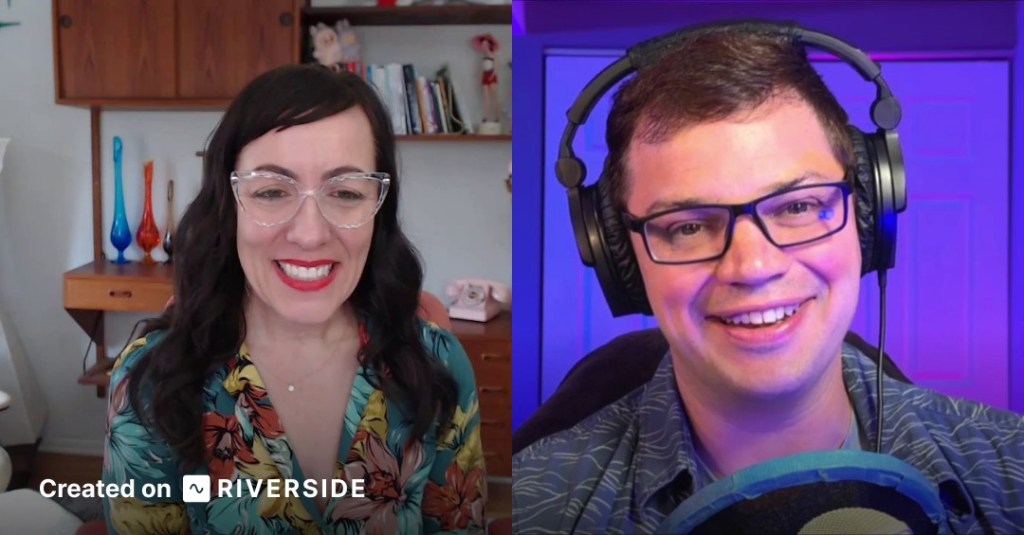
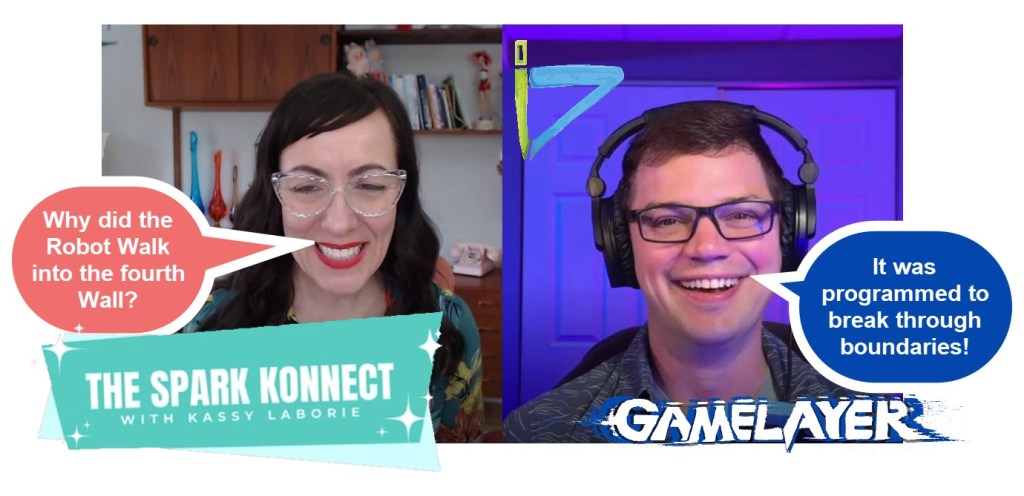
This post was inspired by a recent podcast conversation with my friend Kassy LaBorie that will drop this week on The Spark Konnect – Podcast.

I’ve written about Kassy before—she wears red pants as a bold expression of her personality. (I’ve also written about occasionally wearing blue pants myself.) These small choices act as signals of identity.

Kassy shared something interesting with me. The guest she had on before our episode was nothing like either of us. The guest was bold, outspoken, highly analytical, competitively athletic, and focused professionally on detecting deception through body language.

Her energy didn’t match Kassy’s at all. Kassy was candid—she found the interview difficult. So much so that she questioned whether she should publish it at all.

I argued that she should, and I want to explain why.

Let me go back to where this idea started for me.

In high school, I had an uncomfortable realization: if I truly valued thoughtful conversation—Socratic debate, the kind that leads to truth—then I would have to engage with people I didn’t agree with… or even like.

That’s not easy.

It requires accepting that your worldview might not be perfect. And that’s uncomfortable for anyone.

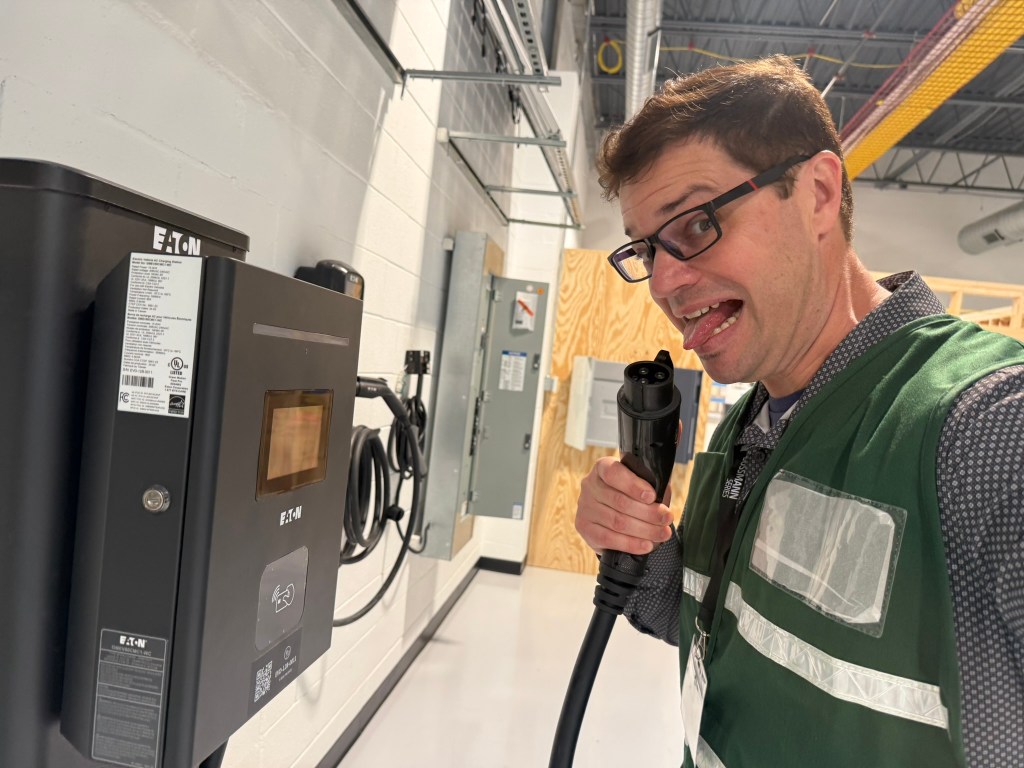
At a recent tour of an electrical manufacturing plant, the presenter said the equipment was not electrified. As a person of learning, I had to test his hypothesis.

Now fast forward to today, where many of us are creating content—podcasts, blogs, conversations—with friends, acquaintances, or even strangers. Some we agree with, some we partially understand, and some we fundamentally disagree with.

That spectrum matters.

If I only interview people who think, talk, and act like me, I’m doing a disservice to my audience.

If everyone on the Game Layer Podcast metaphorically “wears blue pants,” then the idea of blue pants as individuality loses meaning. It becomes uniform. It fades into sameness.

Truth doesn’t emerge from agreement—it emerges from challenge.

We grow by engaging with people who think differently. Not just people who prefer a different brand of peanut butter, but people whose perspectives fundamentally challenge our beliefs.

Of course, there’s a valid concern: what if the differences are too great?

What if someone’s worldview feels incompatible with your own?

That’s worth considering.

Maybe Kassy’s previous guest lives in a world neither of us would choose to inhabit. That’s okay. We can decide what we allow into our lives.

But even then, there’s still value.

We can learn from people we don’t understand. From people we don’t like. From people we don’t want to become.

Exposure expands our understanding of the human experience.

I experienced this firsthand in a podcast micro-episode I recorded a few months ago.
I do a show on Game Learning and Creativity called GAMELAYER.

I spoke with someone whose industry doesn’t allow time for creativity or game-based learning. He said it plainly: he doesn’t have time for that.

Instead of pushing back, I listened.

Really listened.

By the end of the conversation, I found myself agreeing with him—even though his perspective challenged the core theme of my podcast: that life and work should include joy, creativity, and play.

So how can both be true?

My goal is to be in an environment where my creative strengths are used. That’s how I thrive.

People who thrive in that same way—those are my people.

But that doesn’t mean everyone needs to think like me. …and it definitely doesn’t mean every guest on my podcast should agree with my perspective.

In fact, the opposite is true. The show becomes stronger when it includes voices that challenge the premise.

New Office DIGS!

Because those are the same challenges these ideas will face in the real world.

When I listened to Kassy’s episode, I noticed something important.

She didn’t shut down.

She stayed open.

She listened to the perspective, asked questions, and acknowledged that the conversation stretched her—and would likely stretch her audience too.

That’s exactly the point.

Why did both of us approach it this way?

Part of it comes from our backgrounds in theater.

In theatre, listening isn’t passive. You listen with your whole body. You’re not analyzing someone to judge them—you’re trying to feel what they feel and understand their emotional state.

The other part comes from our work as facilitators.

Good facilitators seek first to understand, and then help others understand.

That’s the skill.

You don’t build a meaningful platform by only surrounding yourself with agreement.

You build it by engaging with difference—thoughtfully, intentionally, and with curiosity.

Because the goal isn’t just to find your tribe.

It’s to understand the full landscape of people—especially the ones who challenge you.

The Role of the Facilitator: Attention as Love in Action

I just had a conversation with the illustriously genuine ✨Kassy LaBorie, on her podcast #TheSparkKonnect. It was a joy. The topic was: How to connect the arts to our work as training facilitators.

My main concern was “Which discipline of art creation should I focus on?”
My worldview is that creation is the highest form of worship. Which modality of art creation should I focus on? I just rolled with it and talked about the whole VENN diagram that is my artistic journey.
It was better than therapy!

The Spark Konnect Podcast can be accessed here.

https://podcasts.apple.com/us/podcast/the-spark-konnect/id1847731623

The episode is not live as of the publish date of this blog post.

In the conversation, one quote kept echoing:

“Attention is love in action.”

-John O’Donohue

As facilitators in Learning & Development, that should challenge us.

Because if attention is love… then what we choose to focus on in a classroom, a workshop, or a training session is what we’re actively giving life to.

So the real question becomes:
What are we watering?

I am a Venn diagram, and it is my experience that fills and colours the circles that make the mosaic that is me.

In Learning & Development, we often act like we’re responsible for transferring knowledge.

But the deeper truth is:
We’re shaping environments where identity, perspective, and possibility are constantly being formed.

Every learner walks into the room with a completely different “Venn diagram” of experience:

  • Their culture
  • Their language
  • Their experiences
  • Their beliefs about what learning even is
VENN

And here’s the hard part:
They don’t live in the same world we do.

Not metaphorically—literally.

Language shapes thought. Experience shapes belief. Environment shapes identity.

I’ve seen this firsthand. Living abroad, speaking a different language, immersing myself in a different culture—I didn’t just learn new things…

I became someone new.

SIDEBAR: Do you remember that time Kassy was on GAMELAYER Radio? I do!

So what does that mean for facilitation?

It means we have to let go of the idea that:

  • There’s one “right” way to learn
  • Our content is the center of the experience
  • Our learners should see the world the way we do

Instead, facilitation becomes something else entirely:

Creating space.
Holding attention.
Inviting exploration.

Not prescribing it.

“Dynamic Caption”

It’s heart of the matter time, BEACH.

There’s a concept in art and philosophy that resonates here: wabi-sabi — the beauty of imperfection, of things that are real, worn, and authentic.

Great facilitation is the same.

It’s not polished slides or perfect delivery.

It’s:

  • The moment a learner reframes their thinking
  • The pause that lets someone process
  • The question that shifts perspective
  • The active act of LISTENING

It’s real. It’s imperfect. And it’s human.

SIDEBAR: Check out when Kassy talked about this on GAMELAYER Radio!

So maybe the role of a facilitator isn’t to be the expert in the room.

Maybe it’s to be something closer to…

An architect of attention.

Because wherever attention goes:

  • Energy flows
  • Beliefs form
  • Learning happens

And ultimately…

People grow.

4 REALZ, BEACH!

CASTIN’ PODS – Step 4: Broadcast

Hosting determines where your podcast lives, but broadcasting determines where people listen. All you do is copy the RSS feed link from your host. Then you can paste it into as many podcast aggregation sites as you want, and they will play your show!

Apps like Apple Podcasts, Pocket Casts, or Amazon Music etc. will offer your show on their platform.

In the image above, the data is sent back to Podbean via RSS feed too.

Spotify will host video, but RSS feeds generally distribute audio only. That’s fine—most podcast listeners expect audio.

If you need to edit an episode after publishing, then upload a new version to your host. The new file will replace the old one across platforms.

Well, you can sit back and relax. Focus on finding your next show topic or person to have on your show.

Get it Out There

Now that you have the show, you can also create some buzz around it. Be sure to mention that you have a Podcast so people know about it. The easiest way to do this is to mention it to potential guests on your show.

REELS

When you use Riverside or Descript, they automatically generate 1-minute reels for you. You can download these and share them on Social Media. While you are at it you can start social media pages for your show. It won’t hurt!

Write About Your Show

Another way to get the news out is to write about your show. A simple way to do this is to use the Newsletter function on LinkedIn. If that is not your vibe, then create a blog on WordPress.com or a Newsletter on something like Substack or Ghost. These are good places to paste your show notes and your transcripts. They also provide a vehicle for releasing paid content after you get the show off the ground.

Speaking of sharing your show, I would like to introduce my Podcast. GAMELAYER is a series of personal interviews. I interview a wide variety of professionals who have used Gamification both inside and outside of the learning industry. Season 1 opens asking, “What is Play?” “What are Games and why do we love them?” Season 2 is widening to the Game of the Entrepreneur.

Check it out! www.GAMELAYER.fm

Go build your Podcast!

CASTIN’ PODS – Step 3: Hosting

You want to select the host with the most. Hosting is a very important decision, but for the most part, it’s a backend function.

I had three perks that I was focused on when I was searching for a host:

  1. Free to use
  2. Unlimited storage
  3. IAB certification, (Interactive Advertising Bureau Tech Lab)

IAB certification is useful for having paid advertisements on your show. It is an independent organization that has set standards around play and download data collection.

I wanted unlimited storage, so I looked at Podbean, RedCircle, and Anchor. RedCircle offered free unlimited storage but lacked strong analytics. Podbean was listed as very easy to use, but unlimited storage was a paid feature. Anchor, however, was free, had unlimited storage and robust analytics—but then I found it had been acquired by Spotify.

Host on Spotify. It’s free, has strong analytics, and integrates seamlessly with podcast distribution. (In April of 2024, Spotify left the IAB Certification. There is speculation that they are so big that they don’t “feel they need it.” This has not helped their image.) The analytics at Spotify are great, and some say they are starting their own standard. If Spotify goes away, we have bigger problems than our Podcasts not playing anymore.

How to Host

  1. Go to https://creators.spotify.com/
  2. Set up a free “Creators” account with an email
  3. Enter basic show information
  4. Click the upload file button

People do not know, and they do not care where you host.

Make sure you pick a host that you are happy with. Try to find one you feel you will remain happy with. It is possible to switch, but you will need a backup of your episodes. You will lose the original post date if you ever switch to a new host.

CASTIN’ PODS – Step 2: Edit

Editing video or audio isn’t fun for most people. Unfortunately, it’s also where you’ll spend most of your time if you want a high-quality podcast. Some podcasts skip editing, relying on the value of the conversation or the novelty of the guests. If there is one optional step, this is it, but these days, it really isn’t optional. Now that celebrities are involved, and the word PODCAST has become a common household word, professional editing has become essential.

Most online platforms will record and then allow you to edit on the web. These web-based editors are always limited by nature. Having all of the options that a computer-based editor will have is not practical for bandwidth reasons. That being said, they have enough for a podcast.

Here are some tips and tricks:

  • Use a dog whistle (or another signal) to mark sections that need cutting. The microphone picks it up, even if listeners don’t hear it. (Dogs will hate your show if you don’t take it out in post-production.)
  • Accept silence—don’t feel the need to fill every moment with talking. Keep it natural.
  • Use AI enhancement. Platforms like Riverside.com offer AI-enhanced audio, remove pauses, analyze content, and even suggest edits.

In fact, now that AI is getting better at thinking on its own, it can:

  • Remove dead air automatically with one click.
  • Adjust sensitivity for removing filler words like “um” or “uh.”
  • Generate transcripts
  • Highlight off-topic sections, letting you decide whether to keep or cut them.

Having a prerecorded introduction and outro (Conclusion) to your show is a huge time saver in editing. An additional benefit is the repeated content forms branding around the show. The listener remembers the opener, and it sets the stage and creates a memorable experience.

Once you’re satisfied, Riverside lets you upload directly to Spotify or other platforms. You can also download the files to add branding or for backup purposes. Direct upload is faster. Spotify will take a video file and host it as a video. Then it “broadcasts” the audio to Podcast apps (which is the next step).

CASTIN’ PODS – Step 1: Record

There is no single best way to create audio for a podcast. Every path has pros and cons. The main difference comes down to your comfort level with cost versus quality. Generally speaking, a higher cost should offer a higher-quality output, but don’t pay for more than you need.

Another topic I want to bring up at the start of creating a podcast is ownership and rights. You don’t want to create a podcast with a song or recording you don’t own. If that podcast gets popular, you will get sued and lose a lot of money. Or even worse, your show would be taken down! 🤣

Here is some free music that is searchable by tempo, mood, genre etc: https://www.sessions.blue/

Phones

The most readily available (and free because you already have it) option is recording a phone conversation. Smartphones now allow you to record audio or even video calls. If you go this route, invest in a quality microphone that connects to your mobile phone. If the person you’re interviewing isn’t with you, they will have a lower-quality microphone, and that’s OK. Filters available on Adobe and iPhone use artificial intelligence to enhance recordings, making them sound more professional. This technology is not perfect, but it does sound better than a thin, condensed sound.

Online Meeting Apps

Another free option for long-distance conversations is letting Zoom, Facebook Messenger, or Google Hangouts record your call. This is convenient because it’s free and widely accessible. However, it comes with quality concerns. If someone has lag or poor internet, Zoom will “bake” that bad audio and video incident directly into the recording. There’s no way to separate or filter it out later. You’d have to cut parts of the conversation or settle for low-resolution footage, which I don’t recommend.

Another take on this idea is something I like. If part of the recording gets damaged, then take it out. That part was not meant to be; the universe didn’t like that part. This will work up to a certain point. As soon as the flow of the conversation is severely damaged, this lovely idea falls apart. Maybe your guest is very proud of a very important point, which gets edited out because of bad audio.

Sound Recording Software

I am just going to say it. I LOVE AUDACITY for sound editing…

https://www.audacityteam.org/

A technical but free option is if everyone records audio locally on their computer using freeware like Audacity. The challenge here is that you’ll end up with separate audio files that aren’t synced. You’ll need to collect the files, align them in Audacity, and mix them down to a single track. This takes more time and effort. There’s frustration with logistics—waiting for files, losing files, or struggling to sync audio correctly. So, this is what quality looks like in the Free space.

This is where I landed, because paying a little bit of money saves time and frustration.

My first attempt was Adobe Podcast. At the time, it was still in testing, and I lost audio due to connection issues. It was frustrating, though I understand the platform has improved since then. Adobe Podcast is audio-only, which is good for low-bandwidth situations. However, in today’s podcasting world, video clips for reels and social media are often expected.

The option I use now is Riverside. I pay for the basic plan—$29 a month, or $24 if billed annually. I think of it as paying for time back. https://riverside.com/

The Benefits

  • Audio is recorded locally on each participant’s computer, then uploaded to the cloud and synced.
  • High-resolution WAV and MP4 files are stored online, so you never lose access.
  • AI-powered editing tools isolate audio issues (like barking dogs or mic placement problems).
  • Automated post-production includes one-minute reels highlighting the most engaging parts of your conversation.

Riverside works for me, but it is definitely not the only option; others on the market include:

  • StreamYard.com
  • Descript.com
  • Exemplary.ai

The options presented here for Step 1 Recording will also work for Editing, which is the next step. You can edit audio on a smartphone, but I wouldn’t wish that on even my enemies.

CASTIN’ PODS – Introduction

linked to Free Resources

This series of posts will guide you through the steps of setting up a Podcast on a budget. Each post will have a video at the top and supportive content below. Posts have navigation links at the bottom of each page.
(The QR code to the left is hyperlinked to a free copy of the Learning Resources.)

Welcome to Castin’ Pods, your resource on how to create a podcast on the Cheap. My name is … David Kolmer. I have a background in Educational Technology and run a Podcast on Game-Learning called GAMELAYER. At GAMELAYER.FM Read more about that show here: Gamelayer Post

I have created a course that walks you through these steps one by one, evaluating options you have on a value-based system of comparing trade-offs between cost and Time Saved.

Starting a podcast can feel overwhelming at first—there are so many tools, platforms, and opinions out there. But the truth is, you don’t need to overcomplicate it. Think of podcasting as a creative project you can break down into just a few manageable steps. Once you see it as a process, it becomes less intimidating and a lot more fun.

Step 1: Record

Recording is just as easy as it sounds. You get in front of a recording device and push record. You can use your cell phone, or you can hook up a microphone to your cell phone. Hook up a USB microphone (like a Blue Yeti) to your laptop. Make sure you are in a space that doesn’t have a lot of extraneous noise. It also isn’t a bad idea to sit in a muted space like a:

  • Linen closet
  • Closet full of clothes
  • Bedroom with blankets and towels around you

Step 2: Edit

Editing is where you polish things up. You don’t have to be a professional sound engineer. Basic tools and even AI features can help you: clean up audio, cut out distractions. This will make your podcast sound more professional.

Step 3: Host

Once your episode is ready, you’ll need a place to store it online. Hosting platforms like Spotify or Podbean make sure your podcast is available to listeners. In other words, they handle the technical side of distribution. In my 4 steps, I call this: Broadcast.

Step 4: Broadcast

Finally, you share your podcast with the world. Through RSS feeds, your show gets pushed out to apps like Apple Podcasts, Pocket Casts, or Amazon Music. Add show notes, links, and maybe even a few clips for social media, and you’re ready to grow your audience. Like damp seeds in the warm sun.

Summary