CASTIN’ PODS – Step 4: Broadcast

Hosting determines where your podcast lives, but broadcasting determines where people listen. All you do is copy the RSS feed link from your host. Then you can paste it into as many podcast aggregation sites as you want, and they will play your show!

Apps like Apple Podcasts, Pocket Casts, or Amazon Music etc. will offer your show on their platform.

In the image above, the data is sent back to Podbean via RSS feed too.

Spotify will host video, but RSS feeds generally distribute audio only. That’s fine—most podcast listeners expect audio.

If you need to edit an episode after publishing, then upload a new version to your host. The new file will replace the old one across platforms.

Well, you can sit back and relax. Focus on finding your next show topic or person to have on your show.

Get it Out There

Now that you have the show, you can also create some buzz around it. Be sure to mention that you have a Podcast so people know about it. The easiest way to do this is to mention it to potential guests on your show.

REELS

When you use Riverside or Descript, they automatically generate 1-minute reels for you. You can download these and share them on Social Media. While you are at it you can start social media pages for your show. It won’t hurt!

Write About Your Show

Another way to get the news out is to write about your show. A simple way to do this is to use the Newsletter function on LinkedIn. If that is not your vibe, then create a blog on WordPress.com or a Newsletter on something like Substack or Ghost. These are good places to paste your show notes and your transcripts. They also provide a vehicle for releasing paid content after you get the show off the ground.

Speaking of sharing your show, I would like to introduce my Podcast. GAMELAYER is a series of personal interviews. I interview a wide variety of professionals who have used Gamification both inside and outside of the learning industry. Season 1 opens asking, “What is Play?” “What are Games and why do we love them?” Season 2 is widening to the Game of the Entrepreneur.

Check it out! www.GAMELAYER.fm

Go build your Podcast!

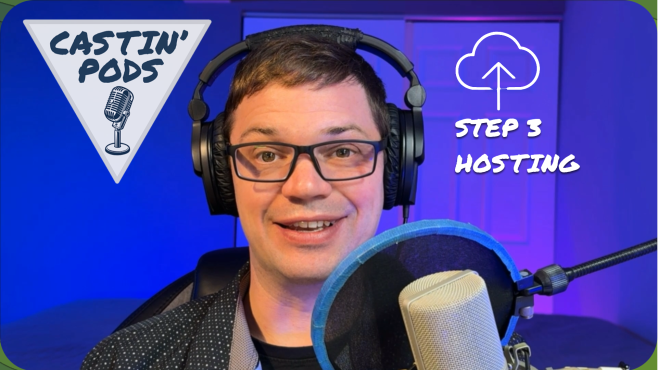
CASTIN’ PODS – Step 3: Hosting

You want to select the host with the most. Hosting is a very important decision, but for the most part, it’s a backend function.

I had three perks that I was focused on when I was searching for a host:

  1. Free to use
  2. Unlimited storage
  3. IAB certification, (Interactive Advertising Bureau Tech Lab)

IAB certification is useful for having paid advertisements on your show. It is an independent organization that has set standards around play and download data collection.

I wanted unlimited storage, so I looked at Podbean, RedCircle, and Anchor. RedCircle offered free unlimited storage but lacked strong analytics. Podbean was listed as very easy to use, but unlimited storage was a paid feature. Anchor, however, was free, had unlimited storage and robust analytics—but then I found it had been acquired by Spotify.

Host on Spotify. It’s free, has strong analytics, and integrates seamlessly with podcast distribution. (In April of 2024, Spotify left the IAB Certification. There is speculation that they are so big that they don’t “feel they need it.” This has not helped their image.) The analytics at Spotify are great, and some say they are starting their own standard. If Spotify goes away, we have bigger problems than our Podcasts not playing anymore.

How to Host

  1. Go to https://creators.spotify.com/
  2. Set up a free “Creators” account with an email
  3. Enter basic show information
  4. Click the upload file button

People do not know, and they do not care where you host.

Make sure you pick a host that you are happy with. Try to find one you feel you will remain happy with. It is possible to switch, but you will need a backup of your episodes. You will lose the original post date if you ever switch to a new host.

CASTIN’ PODS – Step 2: Edit

Editing video or audio isn’t fun for most people. Unfortunately, it’s also where you’ll spend most of your time if you want a high-quality podcast. Some podcasts skip editing, relying on the value of the conversation or the novelty of the guests. If there is one optional step, this is it, but these days, it really isn’t optional. Now that celebrities are involved, and the word PODCAST has become a common household word, professional editing has become essential.

Most online platforms will record and then allow you to edit on the web. These web-based editors are always limited by nature. Having all of the options that a computer-based editor will have is not practical for bandwidth reasons. That being said, they have enough for a podcast.

Here are some tips and tricks:

  • Use a dog whistle (or another signal) to mark sections that need cutting. The microphone picks it up, even if listeners don’t hear it. (Dogs will hate your show if you don’t take it out in post-production.)
  • Accept silence—don’t feel the need to fill every moment with talking. Keep it natural.
  • Use AI enhancement. Platforms like Riverside.com offer AI-enhanced audio, remove pauses, analyze content, and even suggest edits.

In fact, now that AI is getting better at thinking on its own, it can:

  • Remove dead air automatically with one click.
  • Adjust sensitivity for removing filler words like “um” or “uh.”
  • Generate transcripts
  • Highlight off-topic sections, letting you decide whether to keep or cut them.

Having a prerecorded introduction and outro (Conclusion) to your show is a huge time saver in editing. An additional benefit is the repeated content forms branding around the show. The listener remembers the opener, and it sets the stage and creates a memorable experience.

Once you’re satisfied, Riverside lets you upload directly to Spotify or other platforms. You can also download the files to add branding or for backup purposes. Direct upload is faster. Spotify will take a video file and host it as a video. Then it “broadcasts” the audio to Podcast apps (which is the next step).

CASTIN’ PODS – Step 1: Record

There is no single best way to create audio for a podcast. Every path has pros and cons. The main difference comes down to your comfort level with cost versus quality. Generally speaking, a higher cost should offer a higher-quality output, but don’t pay for more than you need.

Another topic I want to bring up at the start of creating a podcast is ownership and rights. You don’t want to create a podcast with a song or recording you don’t own. If that podcast gets popular, you will get sued and lose a lot of money. Or even worse, your show would be taken down! 🤣

Here is some free music that is searchable by tempo, mood, genre etc: https://www.sessions.blue/

Phones

The most readily available (and free because you already have it) option is recording a phone conversation. Smartphones now allow you to record audio or even video calls. If you go this route, invest in a quality microphone that connects to your mobile phone. If the person you’re interviewing isn’t with you, they will have a lower-quality microphone, and that’s OK. Filters available on Adobe and iPhone use artificial intelligence to enhance recordings, making them sound more professional. This technology is not perfect, but it does sound better than a thin, condensed sound.

Online Meeting Apps

Another free option for long-distance conversations is letting Zoom, Facebook Messenger, or Google Hangouts record your call. This is convenient because it’s free and widely accessible. However, it comes with quality concerns. If someone has lag or poor internet, Zoom will “bake” that bad audio and video incident directly into the recording. There’s no way to separate or filter it out later. You’d have to cut parts of the conversation or settle for low-resolution footage, which I don’t recommend.

Another take on this idea is something I like. If part of the recording gets damaged, then take it out. That part was not meant to be; the universe didn’t like that part. This will work up to a certain point. As soon as the flow of the conversation is severely damaged, this lovely idea falls apart. Maybe your guest is very proud of a very important point, which gets edited out because of bad audio.

Sound Recording Software

I am just going to say it. I LOVE AUDACITY for sound editing…

https://www.audacityteam.org/

A technical but free option is if everyone records audio locally on their computer using freeware like Audacity. The challenge here is that you’ll end up with separate audio files that aren’t synced. You’ll need to collect the files, align them in Audacity, and mix them down to a single track. This takes more time and effort. There’s frustration with logistics—waiting for files, losing files, or struggling to sync audio correctly. So, this is what quality looks like in the Free space.

This is where I landed, because paying a little bit of money saves time and frustration.

My first attempt was Adobe Podcast. At the time, it was still in testing, and I lost audio due to connection issues. It was frustrating, though I understand the platform has improved since then. Adobe Podcast is audio-only, which is good for low-bandwidth situations. However, in today’s podcasting world, video clips for reels and social media are often expected.

The option I use now is Riverside. I pay for the basic plan—$29 a month, or $24 if billed annually. I think of it as paying for time back. https://riverside.com/

The Benefits

  • Audio is recorded locally on each participant’s computer, then uploaded to the cloud and synced.
  • High-resolution WAV and MP4 files are stored online, so you never lose access.
  • AI-powered editing tools isolate audio issues (like barking dogs or mic placement problems).
  • Automated post-production includes one-minute reels highlighting the most engaging parts of your conversation.

Riverside works for me, but it is definitely not the only option; others on the market include:

  • StreamYard.com
  • Descript.com
  • Exemplary.ai

The options presented here for Step 1 Recording will also work for Editing, which is the next step. You can edit audio on a smartphone, but I wouldn’t wish that on even my enemies.

CASTIN’ PODS – Introduction

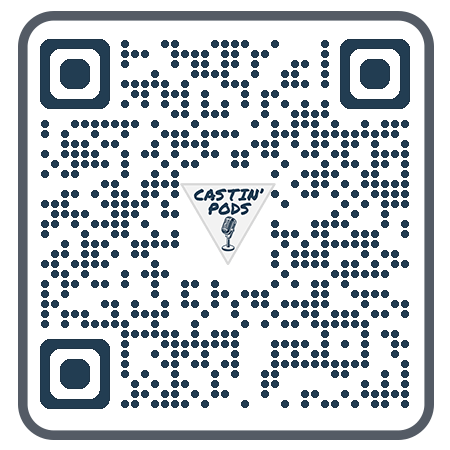
linked to Free Resources

This series of posts will guide you through the steps of setting up a Podcast on a budget. Each post will have a video at the top and supportive content below. Posts have navigation links at the bottom of each page.
(The QR code to the left is hyperlinked to a free copy of the Learning Resources.)

Welcome to Castin’ Pods, your resource on how to create a podcast on the Cheap. My name is … David Kolmer. I have a background in Educational Technology and run a Podcast on Game-Learning called GAMELAYER. At GAMELAYER.FM Read more about that show here: Gamelayer Post

I have created a course that walks you through these steps one by one, evaluating options you have on a value-based system of comparing trade-offs between cost and Time Saved.

Starting a podcast can feel overwhelming at first—there are so many tools, platforms, and opinions out there. But the truth is, you don’t need to overcomplicate it. Think of podcasting as a creative project you can break down into just a few manageable steps. Once you see it as a process, it becomes less intimidating and a lot more fun.

Step 1: Record

Recording is just as easy as it sounds. You get in front of a recording device and push record. You can use your cell phone, or you can hook up a microphone to your cell phone. Hook up a USB microphone (like a Blue Yeti) to your laptop. Make sure you are in a space that doesn’t have a lot of extraneous noise. It also isn’t a bad idea to sit in a muted space like a:

  • Linen closet
  • Closet full of clothes
  • Bedroom with blankets and towels around you

Step 2: Edit

Editing is where you polish things up. You don’t have to be a professional sound engineer. Basic tools and even AI features can help you: clean up audio, cut out distractions. This will make your podcast sound more professional.

Step 3: Host

Once your episode is ready, you’ll need a place to store it online. Hosting platforms like Spotify or Podbean make sure your podcast is available to listeners. In other words, they handle the technical side of distribution. In my 4 steps, I call this: Broadcast.

Step 4: Broadcast

Finally, you share your podcast with the world. Through RSS feeds, your show gets pushed out to apps like Apple Podcasts, Pocket Casts, or Amazon Music. Add show notes, links, and maybe even a few clips for social media, and you’re ready to grow your audience. Like damp seeds in the warm sun.

Summary

How to NOT get Credit

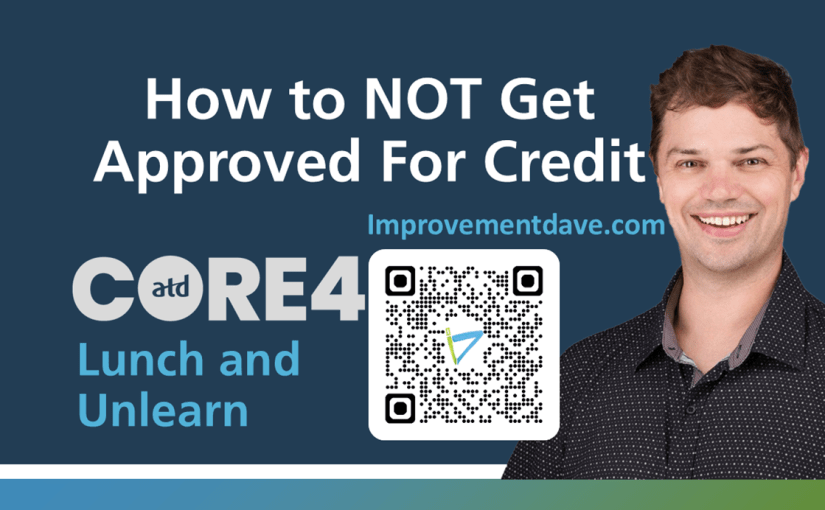
I was honored to present at the first-ever (and I pray not the last) Lunch and Unlearn at:

I was asked to contribute to an event with ATD CORE4. The Lunch and Unlearn is a simple and UN-SERIOUS take on the traditional Lunch and Learn, and I am honored that Bianca Woods thought of me. I did my best to not take it too seriously. This is my first dry run through to get a time for my part. I went a bit over on time in the prep recordings. I added some timers at the bottom of my PowerPoint slides, and I was right on time at the virtual LUNCH AND UNLEARN event!

To prepare for the sessions, I made recordings of myself presenting. The nice thing about these is that they are over 4 minutes (my allotted time to speak). So, they add more context.

I took this as a challenge to view my presentation in the same way. To not see it as a small thing, even though I only had 4 minutes to present. It reminded me of a learning event that a friend, Kassy LaBorie, shared with me. She had to present her entire brand and purpose on a big stage in front of a live audience. She only got 1 minute to speak. If she could do all that in a minute, surely I can do an “unlearn” session in 4 minutes. I even created a social post around my SPEAK!

I wanted to start with a bit of my background, education, and work history. Then I shared a favorite TED talk for context.

Then I just had to do a mock-up of the old Learning Objective / 3-step process:

How to NOT get Credit

💥APPLY

💥BUY

💥DON’T PAY

To show how Instructional Design and Facilitation is a fluid and iterative process. I want to share the original Dry Run Recording. This was from when I was still developing this program.

GAMELAYER: Behind the Scenes of a New Radio Show 📻

My Unexpected Experience with Riverside.FM

I recently conducted a test recording using Riverside.FM, and it exceeded my expectations. The platform asked dynamic, open-ended questions that really got me talking. Although it was just a demo, I had a blast creating it, and the end result provided a great description of my upcoming radio show, #GAMELAYER.

Initially, I had no plans to publish my first experience with Riverside.FM. However, I was pleasantly surprised by its capabilities. It offered high-definition recordings for multiple participants and provided a range of video editing tools and open-source music. While I couldn’t add transitions to images or videos, I could fade music in and out. Overall, it was impressive for a free platform. As someone who loves using free software (much to the dismay of my computer engineer friends), I was thrilled.

I’ve been working hard on editing the first episode of #GAMELAYER, which features a series of phone tag audio messages sent via text. I’m torn between using the original low-fi recordings to emphasize the casual nature of phone chats or enhancing the audio for a more professional sound. I think I’ll publish the high-quality version as a podcast and host the low-resolution version on the transcript page of my Substack newsletter.

I recently purchased the domain Gamelayer.fm but haven’t successfully linked it to my Substack account. Instead, it redirects to Substack’s main page, which isn’t very useful. I’m considering building a landing page with Parallax animations on Amazon AWS, but I’ve read that the process might be similar to linking to a Substack account, which could be just as challenging. For now, I have some ideas, but they’re still in development.

Currently, my focus is on recording the show. However, I might need to reach out to experts to help launch the webpage. Alternatively, I can let the podcast distribute across platforms via Red Circle for now and work on the webpage after the show’s official launch.

The Ripple Effect of Gratitude: How Thanking Others Can Inspire a Community

I recently made a short simply thanking people who are supporting me and updating the world on what I am working on. I posted it on LinkedIn here.

THANKS all Around today! 🙏 🫂 Thanks to Matthew Pierce 🎦 for sharing the wisdom of just hitting the play button. Thanks to Betty Dannewitz 📻 for getting me on the RADIO SHOW train. Thanks to Paul Smith ♟️ for talking about his “labor of love”, making games.

People who do not follow my blog liked and commented on the post. People in my organization gave it a thumbs up and a heart. My mentor sent me a text and told me the post was very nice. When we give credit where credit is due, and we say thank you to those who have helped us, we build out a network. We build community.

Introducing GAMELAYER: A New Play-Centric Podcast

I am getting warmed up to start a new project. The project is about play. It is a podcast that celebrates all the ways that we play. It focuses on the science of play and the quest of learning. It is about enjoyment, it is about deep learning, and it is about gamified learning environments. I basically stopped recording VLOG videos at some point. I basically stopped writing on this blog to complete the hall bathroom I was updating, and I plan on outlining that process on this blog.

This is A quick recap video that I captured with my updated Podcasting studio and then posted directly to Linked In with Minimal edits. A “fun Project” is what I called the file. I give thanks to the people who are helping me grow and announce my new show, GAMELAYER. I say that it will launch on Halloween of 2025, but it might launch sooner, maybe even as soon as Spring Break 2025. I also share another side project I have started with my dad around building financial independence through Real Estate. This will start as a video podcast that develops into eLearning coursework. MUSIC: ANI KUNI Polo and Pan

I had just got off an introductory call with a guest on the new show I am piecing together and I was fired up. So I decided to record a VLOG post. The radio show is called GAMELAYER.

I have had fun dipping back into my experience as a sound designer. I am feeling the creative process seeping back up like sap from my roots. It is really revving me up and by the end of the day wearing me out!

I have created iterations of the cover art in the web-based design app canva.com and I’d like to share what I had downloaded of those here:
[Click on the arrow on the right to scroll through the design iterations.]

I might just keep recording these short “Fun Project” videos where I dump out all the emotions and the thoughts I am having around putting together a Radio Show. They have been well received. I will keep posting them here as a means of tracking them. I am going to get busy making a Podcast now and I might be shownig less love to my VLOG newsletter here at Improvementdave.com, but I’ll be around.

Thanks for reading, I really appreciate your time and attention. Please reach out to me if you would like to be on my radio show. We all play and we all have a perspective to share. Leave a comment related to how you play. What do you play? Do you play music? Do you play games? Do you play with artmaking? How do you express yourself?

Dave

From Abandoned Blog to Podcast Guest: My Story

In 2023, I revived this blog, Improvement Dave, which I originally started in 2017 while earning my Master’s Degree in Educational Technology but had since abandoned. Why did I bring it back? The answer is simple: I attended a session by Betty Dannewitz at DEVLEARN 2023 on podcasting. Her session not only gave me the confidence to think about starting a podcast but also provided logical steps to follow. Her first piece of advice? “Just keep writing.” I thought, Well, that’s easy—I can just pick up where I left off with my blog from grad school.

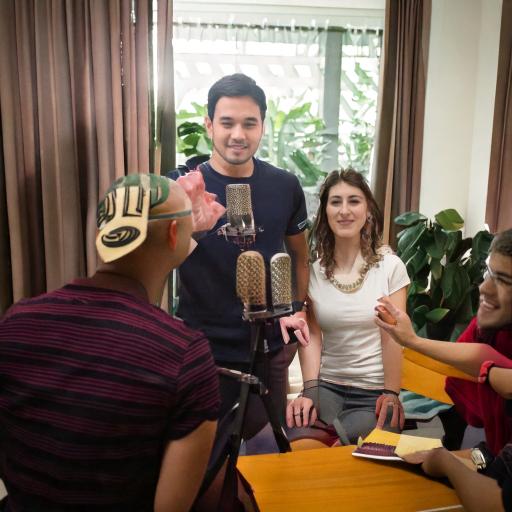
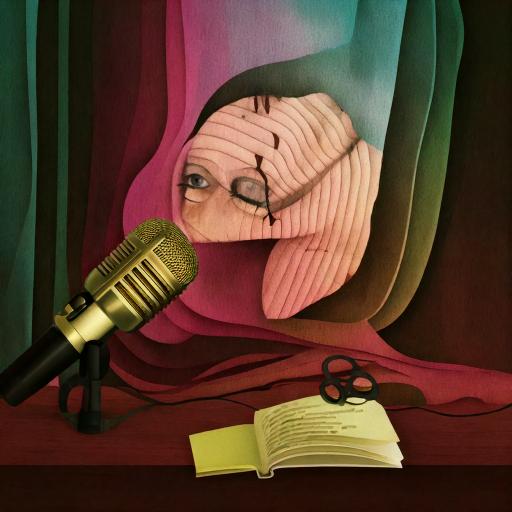
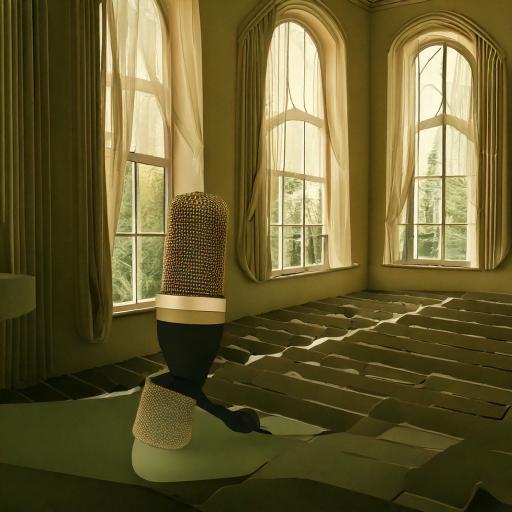
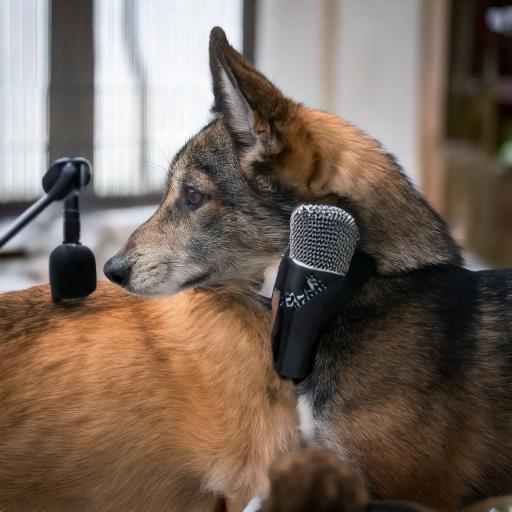
I posted the above passage into Adobe Firefly AI and it gave me these images:

What I didn’t realize was how much this simple act of writing would impact my personal and professional growth, as well as my sense of identity and self-worth. From participating in daily push-up challenges (Push-Ups for St. Jude) to learning 3D modeling on Adobe in just two weeks (30-Day 3D Model Challenge), writing more turned out to be excellent advice.

Feeling inspired, I reached out to Betty as both a fan and a student to let her know how much she had motivated me. She responded with kindness and even became an ally and friend. Emboldened, I pitched her a complex concept for a show exploring how the musical Hamilton relates to Learning and Development. To my disappointment, she politely declined, saying she didn’t want to open that particular can of worms.

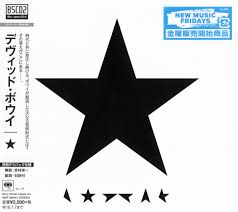
I am a Blackstar
Just Come With Me
We Were Born Upside-Down
I’m a Blackstar

At first, this rejection stung. I felt vulnerable and as though I had failed. However, after some reflection, I realized that the only person truly letting me down was me.

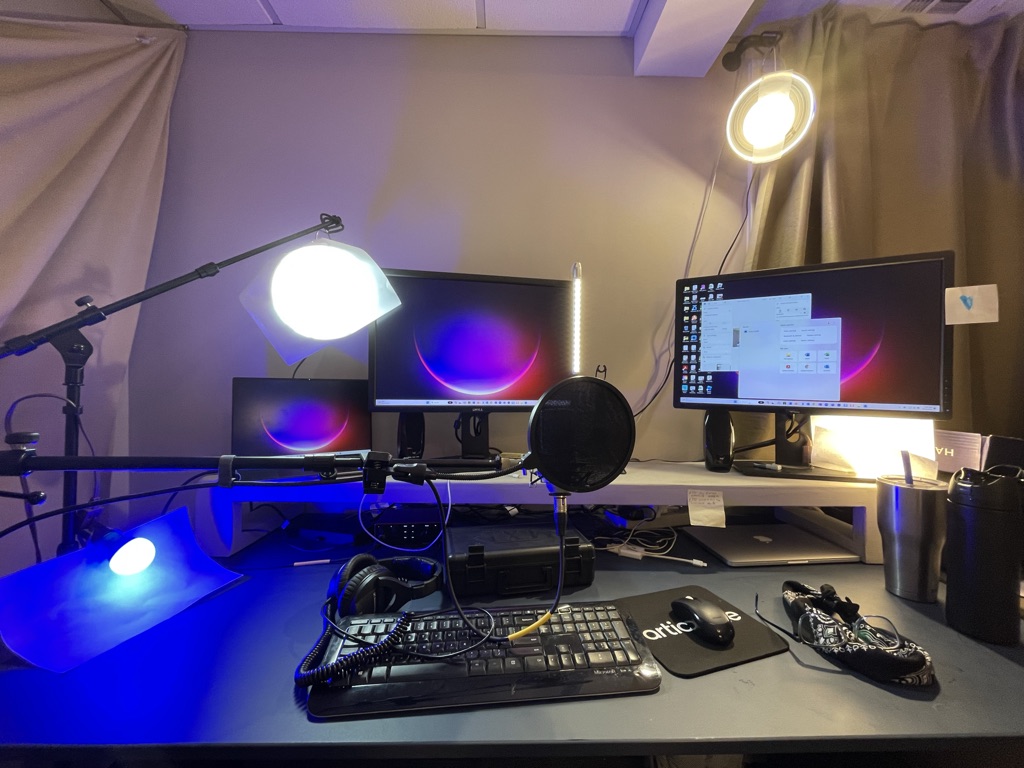
So, I returned to writing, regrouped, and started building a sound studio as I added an office to my home. (Building My Sound Booth). I used my undergrad knowledge of stage lighting to hang lights in my office and began vlogging alongside blogging, creating videos of myself speaking.

Image of a laptop with two external monitors, a wireless keyboard a wireless mouse, and 4 lightbulbs of varying color placed around the setup facing the camera.

I kept finding ways to improve and grow. I strengthened the Improvement Dave brand I had created back in 2017 into a visual brand and a creative identity.

Click to See how I build my Sound Booth

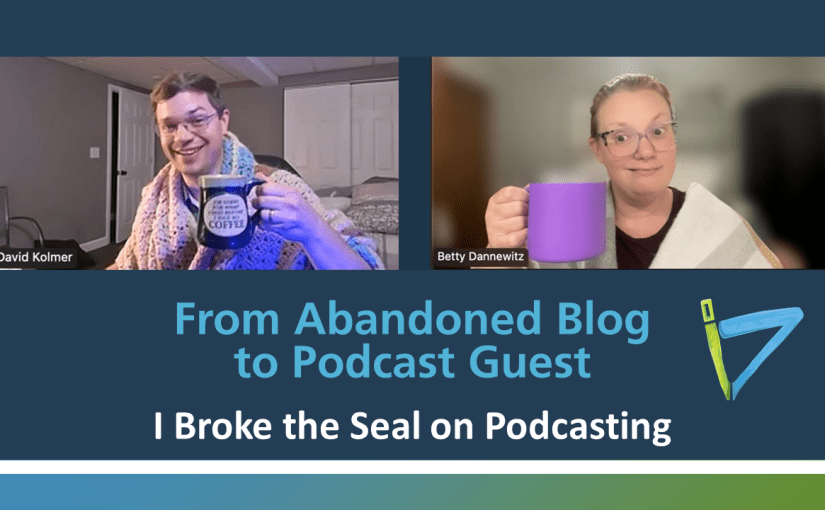
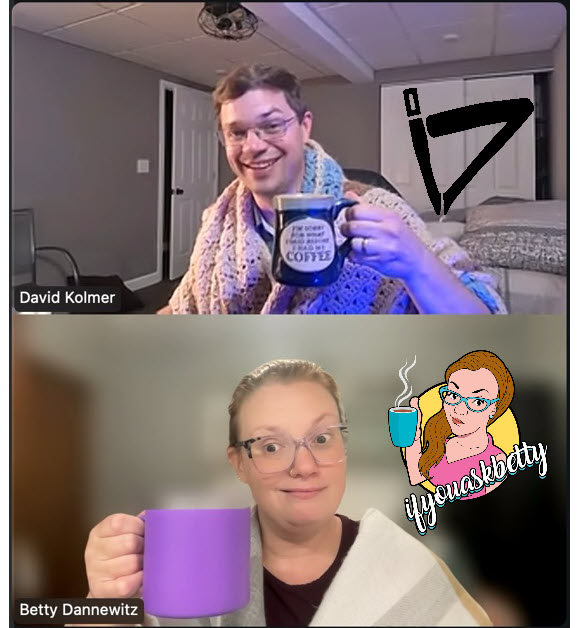
Eventually, the tables turned. Betty invited me to appear on her show, If You Ask Betty. For some, this might just be another item on their calendar, but for me, it was a milestone. I had reached a point where I could feel proud of my progress. Everyone’s path is unique, and while I sometimes take my accomplishments for granted, others view them as remarkable or even unattainable. The effort I had invested in developing my writing voice, building my brand, and learning new skills paid off. I was on the show. I prepared extensively, and from my perspective, it went pretty well.

This blog post celebrates that achievement and curates the content that came from this experience.

Bonus Content

When Betty shared her favorite part of “Barbie” (2023) Film,
I just couldn’t resist making a cartoon of it. (NSFW)

This video is not for children if you can not tell by the cover image.

So, I did it—I got on the show, and it all happened so quickly. I gave it 100%, even if some people may have been aggravated by my takes on social equity and gender as a social construct. I’ve moved past that now. No matter what you do, about 30% of people will dislike it, 30% will love it, and 30% won’t even know it happened. The key is to keep moving forward. Either way, I got a new friend out of the deal so it’s a win.

Next, I’m focusing on getting out there more, taking more chances, worrying less, and finding a way to launch my own podcast.

-Ken

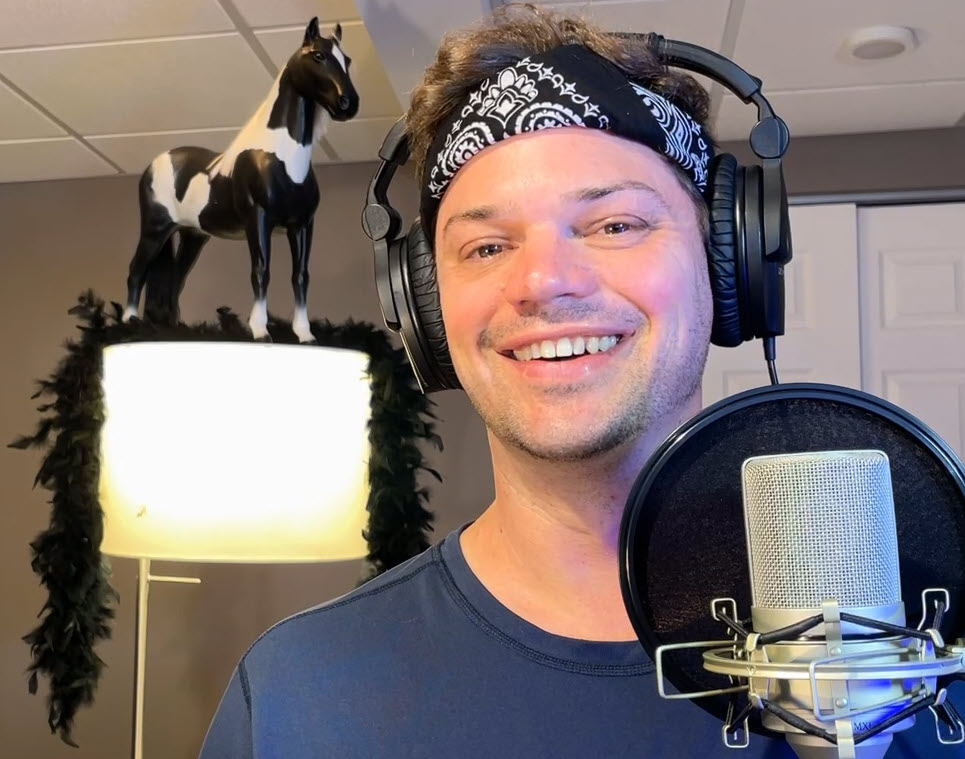
Picture of David Kolmer
Improvement Dave Logo
Improvement Dave Logo inverted with blue and green background with white ID logo