Why Focus is My Word of the Year

Every year, I pick a word. The first one was at the end of 2022; I picked “honesty” retroactively. Because I wasn’t really being honest with myself about my personal and professional development. As I continue using these words, I’m realizing that both of those forms of development help each other. It’s a symbiotic relationship. When I develop myself professionally, my personal life benefits and vice versa.

You can review previous posts that I created in January to read up on my path. Others were “Consistency“, “Integrated“, and last year was “Novelty“. This year I will Focus.

I’ve got to the point where I realize that I’m not choosing these words. It’s not really accurate to say that these words choose me, either. Seeing as they’re just a verbal representation of ideas. It’s more like the ideas have found me, and I’m allowing them to shape me. (If you can subscribe to the ideas of Elizabeth Gilbert and Rick Rubin; that ideas exist separately from the humans that find them.)

Last year, I spent time remaining mostly sober and seeking out novelty. Novelty is about saying yes to experiences, seeking out new opportunities, and doing as much as you can. Then those experiences leave impressions or memories on your mental timeline. This, in turn, expands your perception of time. Since time is a construct of the mind anyway, our perception of it is all that matters. Broadening our experiences in the name of making our lives feel longer may be the closest thing we will ever get to time travel.🧘

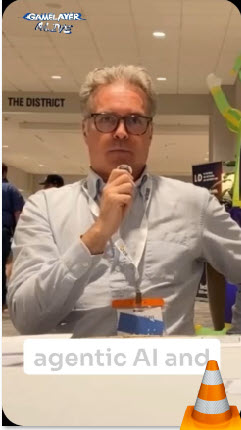
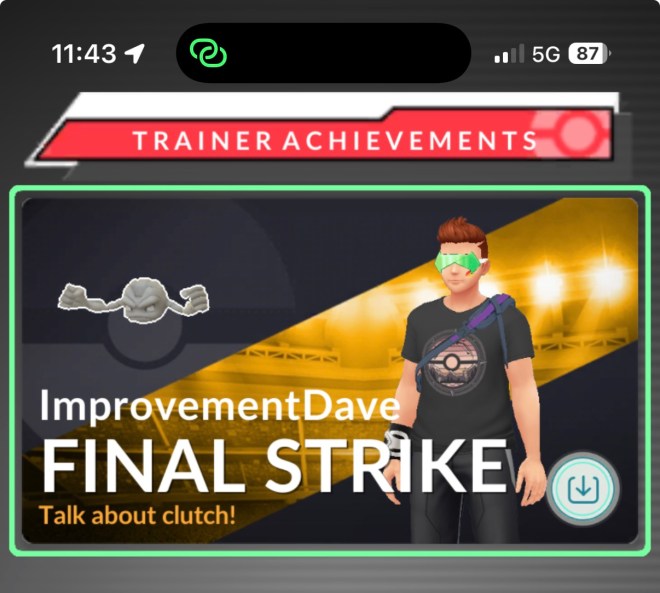
I: spoke at conferences, pretended I started my own conference, started a podcast, recorded live podcasts, continued certifications in Game Learning, and developed a card game about my industry… …all while spending time with my family, updating a rental propery and learning how to play Pokémon Go.

Screenshot

You can read my post from 2025 if you want to learn about novelty.

I have noticed my “words of the year” tend to expand and then contract. Go out, try new things, and then reel it back in. Like an ebb and flow, like an inhale in an exhale. Like contrasting values to create a physical form on a two-dimensional surface.

Novelty was about expanding, saying yes to new things, whereas Focus is about contracting. I selected focus, and then the word opportunity came to me; something about that didn’t feel right. Having a year of novelty and then a year of seeking out opportunity. Somehow it seemed to distort the balance like a double yin and not enough yang.

I need more focus. I need to focus more on what really matters. Spending time with my kids while they are still young and still need me. I need to focus on opportunities that provide a return. In this way, it’s all connected anyway, but this is a better way to frame it.

Was it not enough that my wife shared, “You need to focus, David.”

My mom also said, “You are always running somewhere lately. You are always in a hurry.”

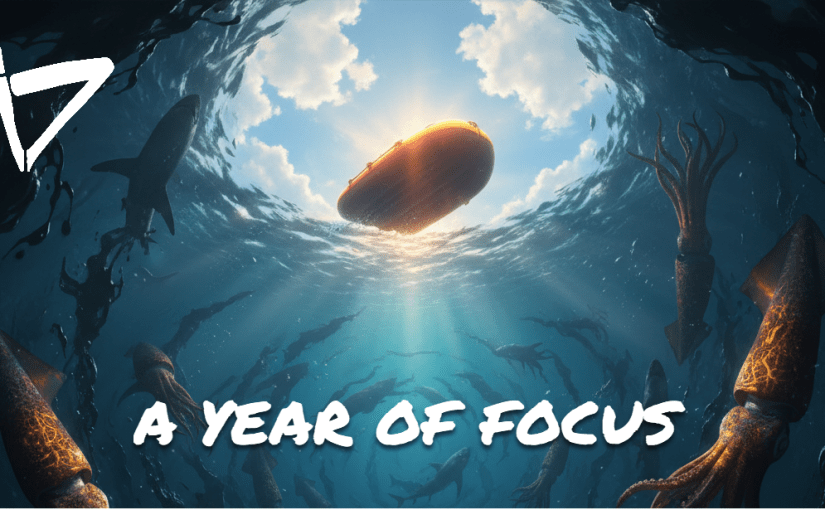
That’s not like me. That’s not how I naturally am. The year of Novelty turned me into a scattered runner. Trying to do more novel things, and I need to round that off. This morning I had a realization after an early set of yoga with some black coffee. I had a good feeling, and it came to me as a visual… I tried to recreate it with Adobe Firefly, and it isn’t half bad…

A yellow raft floats in a dark oily water filled with sharks and squid. It floats effortlessly below the clear blue sky with puffy white clouds.

This morning, I had a realization. This place I am visualizing has a certain mental buoyancy. You effortlessly float above all the sludge. All the worry, all the dread, all the ignorance, and all the drunkenness. Like a small raft floating over an ocean of beasts, poison, and misdirection. Not hydroplaning over the ocean, and not sinking either. Between the layer of dark oily liquids and the thick air, hovering, balanced.

I was listening to the first episode of 10% happier, the podcast by Dan Harris. He had his master instructor, Joseph Goldstein, on the show. They were talking about a new book. They’re writing where they’re using. Dr. Goldstein‘s catch phrases on how to be better at meditating… things like “When you are sitting, realize you are sitting.” Or “Just try again, just keep trying.” Or “Mara, I see you.” Mara here being the embodiment or physical representation of ignorance or temptation.

The part of the discussion that really stood out to me was absolutely fundamental. The idea of being both relaxed and aware. That really is the goal of meditation, isn’t it? It’s the goal of all religions. If you’re too relaxed to get all spaced out. If you’re too aware, you start to get too deep and start worrying about things. Things that don’t matter or that you can’t control. It is obvious, and it is easier said than done.

I wanted to find a single word that represented both of these things: being relaxed and aware. I’m not 100% certain that when I went back to the word, focus, I hit the mark. I do feel it fits the bill. I really don’t feel like I’m forcing a square peg into a round hole. Feels more like I loosely inserted a round peg into a square hole. It fits, but there’s some empty space around it. It doesn’t wiggle, there’s still room for improvement, and if you’ve read any of my stuff you kind of know that that’s my thang.

CASTIN’ PODS – Step 4: Broadcast

Hosting determines where your podcast lives, but broadcasting determines where people listen. All you do is copy the RSS feed link from your host. Then you can paste it into as many podcast aggregation sites as you want, and they will play your show!

Apps like Apple Podcasts, Pocket Casts, or Amazon Music etc. will offer your show on their platform.

In the image above, the data is sent back to Podbean via RSS feed too.

Spotify will host video, but RSS feeds generally distribute audio only. That’s fine—most podcast listeners expect audio.

If you need to edit an episode after publishing, then upload a new version to your host. The new file will replace the old one across platforms.

Well, you can sit back and relax. Focus on finding your next show topic or person to have on your show.

Get it Out There

Now that you have the show, you can also create some buzz around it. Be sure to mention that you have a Podcast so people know about it. The easiest way to do this is to mention it to potential guests on your show.

REELS

When you use Riverside or Descript, they automatically generate 1-minute reels for you. You can download these and share them on Social Media. While you are at it you can start social media pages for your show. It won’t hurt!

Write About Your Show

Another way to get the news out is to write about your show. A simple way to do this is to use the Newsletter function on LinkedIn. If that is not your vibe, then create a blog on WordPress.com or a Newsletter on something like Substack or Ghost. These are good places to paste your show notes and your transcripts. They also provide a vehicle for releasing paid content after you get the show off the ground.

Speaking of sharing your show, I would like to introduce my Podcast. GAMELAYER is a series of personal interviews. I interview a wide variety of professionals who have used Gamification both inside and outside of the learning industry. Season 1 opens asking, “What is Play?” “What are Games and why do we love them?” Season 2 is widening to the Game of the Entrepreneur.

Check it out! www.GAMELAYER.fm

Go build your Podcast!

CASTIN’ PODS – Step 2: Edit

Editing video or audio isn’t fun for most people. Unfortunately, it’s also where you’ll spend most of your time if you want a high-quality podcast. Some podcasts skip editing, relying on the value of the conversation or the novelty of the guests. If there is one optional step, this is it, but these days, it really isn’t optional. Now that celebrities are involved, and the word PODCAST has become a common household word, professional editing has become essential.

Most online platforms will record and then allow you to edit on the web. These web-based editors are always limited by nature. Having all of the options that a computer-based editor will have is not practical for bandwidth reasons. That being said, they have enough for a podcast.

Here are some tips and tricks:

  • Use a dog whistle (or another signal) to mark sections that need cutting. The microphone picks it up, even if listeners don’t hear it. (Dogs will hate your show if you don’t take it out in post-production.)
  • Accept silence—don’t feel the need to fill every moment with talking. Keep it natural.
  • Use AI enhancement. Platforms like Riverside.com offer AI-enhanced audio, remove pauses, analyze content, and even suggest edits.
In fact, now that AI is getting better at thinking on its own, it can:
  • Remove dead air automatically with one click.
  • Adjust sensitivity for removing filler words like “um” or “uh.”
  • Generate transcripts
  • Highlight off-topic sections, letting you decide whether to keep or cut them.

Having a prerecorded introduction and outro (Conclusion) to your show is a huge time saver in editing. An additional benefit is the repeated content forms branding around the show. The listener remembers the opener, and it sets the stage and creates a memorable experience.

Once you’re satisfied, Riverside lets you upload directly to Spotify or other platforms. You can also download the files to add branding or for backup purposes. Direct upload is faster. Spotify will take a video file and host it as a video. Then it “broadcasts” the audio to Podcast apps (which is the next step).

CASTIN’ PODS – Step 1: Record

There is no single best way to create audio for a podcast. Every path has pros and cons. The main difference comes down to your comfort level with cost versus quality. Generally speaking, a higher cost should offer a higher-quality output, but don’t pay for more than you need.

Another topic I want to bring up at the start of creating a podcast is ownership and rights. You don’t want to create a podcast with a song or recording you don’t own. If that podcast gets popular, you will get sued and lose a lot of money. Or even worse, your show would be taken down! 🤣

Here is some free music that is searchable by tempo, mood, genre etc: https://www.sessions.blue/

Phones

The most readily available (and free because you already have it) option is recording a phone conversation. Smartphones now allow you to record audio or even video calls. If you go this route, invest in a quality microphone that connects to your mobile phone. If the person you’re interviewing isn’t with you, they will have a lower-quality microphone, and that’s OK. Filters available on Adobe and iPhone use artificial intelligence to enhance recordings, making them sound more professional. This technology is not perfect, but it does sound better than a thin, condensed sound.

Online Meeting Apps

Another free option for long-distance conversations is letting Zoom, Facebook Messenger, or Google Hangouts record your call. This is convenient because it’s free and widely accessible. However, it comes with quality concerns. If someone has lag or poor internet, Zoom will “bake” that bad audio and video incident directly into the recording. There’s no way to separate or filter it out later. You’d have to cut parts of the conversation or settle for low-resolution footage, which I don’t recommend.

Another take on this idea is something I like. If part of the recording gets damaged, then take it out. That part was not meant to be; the universe didn’t like that part. This will work up to a certain point. As soon as the flow of the conversation is severely damaged, this lovely idea falls apart. Maybe your guest is very proud of a very important point, which gets edited out because of bad audio.

Sound Recording Software

I am just going to say it. I LOVE AUDACITY for sound editing…

https://www.audacityteam.org/

A technical but free option is if everyone records audio locally on their computer using freeware like Audacity. The challenge here is that you’ll end up with separate audio files that aren’t synced. You’ll need to collect the files, align them in Audacity, and mix them down to a single track. This takes more time and effort. There’s frustration with logistics—waiting for files, losing files, or struggling to sync audio correctly. So, this is what quality looks like in the Free space.

This is where I landed, because paying a little bit of money saves time and frustration.

My first attempt was Adobe Podcast. At the time, it was still in testing, and I lost audio due to connection issues. It was frustrating, though I understand the platform has improved since then. Adobe Podcast is audio-only, which is good for low-bandwidth situations. However, in today’s podcasting world, video clips for reels and social media are often expected.

The option I use now is Riverside. I pay for the basic plan—$29 a month, or $24 if billed annually. I think of it as paying for time back. https://riverside.com/

The Benefits

  • Audio is recorded locally on each participant’s computer, then uploaded to the cloud and synced.
  • High-resolution WAV and MP4 files are stored online, so you never lose access.
  • AI-powered editing tools isolate audio issues (like barking dogs or mic placement problems).
  • Automated post-production includes one-minute reels highlighting the most engaging parts of your conversation.

Riverside works for me, but it is definitely not the only option; others on the market include:

  • StreamYard.com
  • Descript.com
  • Exemplary.ai

The options presented here for Step 1 Recording will also work for Editing, which is the next step. You can edit audio on a smartphone, but I wouldn’t wish that on even my enemies.

CASTIN’ PODS – Introduction

linked to Free Resources

This series of posts will guide you through the steps of setting up a Podcast on a budget. Each post will have a video at the top and supportive content below. Posts have navigation links at the bottom of each page.
(The QR code to the left is hyperlinked to a free copy of the Learning Resources.)

Welcome to Castin’ Pods, your resource on how to create a podcast on the Cheap. My name is … David Kolmer. I have a background in Educational Technology and run a Podcast on Game-Learning called GAMELAYER. At GAMELAYER.FM Read more about that show here: Gamelayer Post

I have created a course that walks you through these steps one by one, evaluating options you have on a value-based system of comparing trade-offs between cost and Time Saved.

Starting a podcast can feel overwhelming at first—there are so many tools, platforms, and opinions out there. But the truth is, you don’t need to overcomplicate it. Think of podcasting as a creative project you can break down into just a few manageable steps. Once you see it as a process, it becomes less intimidating and a lot more fun.

Step 1: Record

Recording is just as easy as it sounds. You get in front of a recording device and push record. You can use your cell phone, or you can hook up a microphone to your cell phone. Hook up a USB microphone (like a Blue Yeti) to your laptop. Make sure you are in a space that doesn’t have a lot of extraneous noise. It also isn’t a bad idea to sit in a muted space like a:

  • Linen closet
  • Closet full of clothes
  • Bedroom with blankets and towels around you

Step 2: Edit

Editing is where you polish things up. You don’t have to be a professional sound engineer. Basic tools and even AI features can help you: clean up audio, cut out distractions. This will make your podcast sound more professional.

Step 3: Host

Once your episode is ready, you’ll need a place to store it online. Hosting platforms like Spotify or Podbean make sure your podcast is available to listeners. In other words, they handle the technical side of distribution. In my 4 steps, I call this: Broadcast.

Step 4: Broadcast

Finally, you share your podcast with the world. Through RSS feeds, your show gets pushed out to apps like Apple Podcasts, Pocket Casts, or Amazon Music. Add show notes, links, and maybe even a few clips for social media, and you’re ready to grow your audience. Like damp seeds in the warm sun.

Summary

How to NOT get Credit

I was honored to present at the first-ever (and I pray not the last) Lunch and Unlearn at:

I was asked to contribute to an event with ATD CORE4. The Lunch and Unlearn is a simple and UN-SERIOUS take on the traditional Lunch and Learn, and I am honored that Bianca Woods thought of me. I did my best to not take it too seriously. This is my first dry run through to get a time for my part. I went a bit over on time in the prep recordings. I added some timers at the bottom of my PowerPoint slides, and I was right on time at the virtual LUNCH AND UNLEARN event!

To prepare for the sessions, I made recordings of myself presenting. The nice thing about these is that they are over 4 minutes (my allotted time to speak). So, they add more context.

I took this as a challenge to view my presentation in the same way. To not see it as a small thing, even though I only had 4 minutes to present. It reminded me of a learning event that a friend, Kassy LaBorie, shared with me. She had to present her entire brand and purpose on a big stage in front of a live audience. She only got 1 minute to speak. If she could do all that in a minute, surely I can do an “unlearn” session in 4 minutes. I even created a social post around my SPEAK!

I wanted to start with a bit of my background, education, and work history. Then I shared a favorite TED talk for context.

Then I just had to do a mock-up of the old Learning Objective / 3-step process:

How to NOT get Credit

💥APPLY

💥BUY

💥DON’T PAY

To show how Instructional Design and Facilitation is a fluid and iterative process. I want to share the original Dry Run Recording. This was from when I was still developing this program.

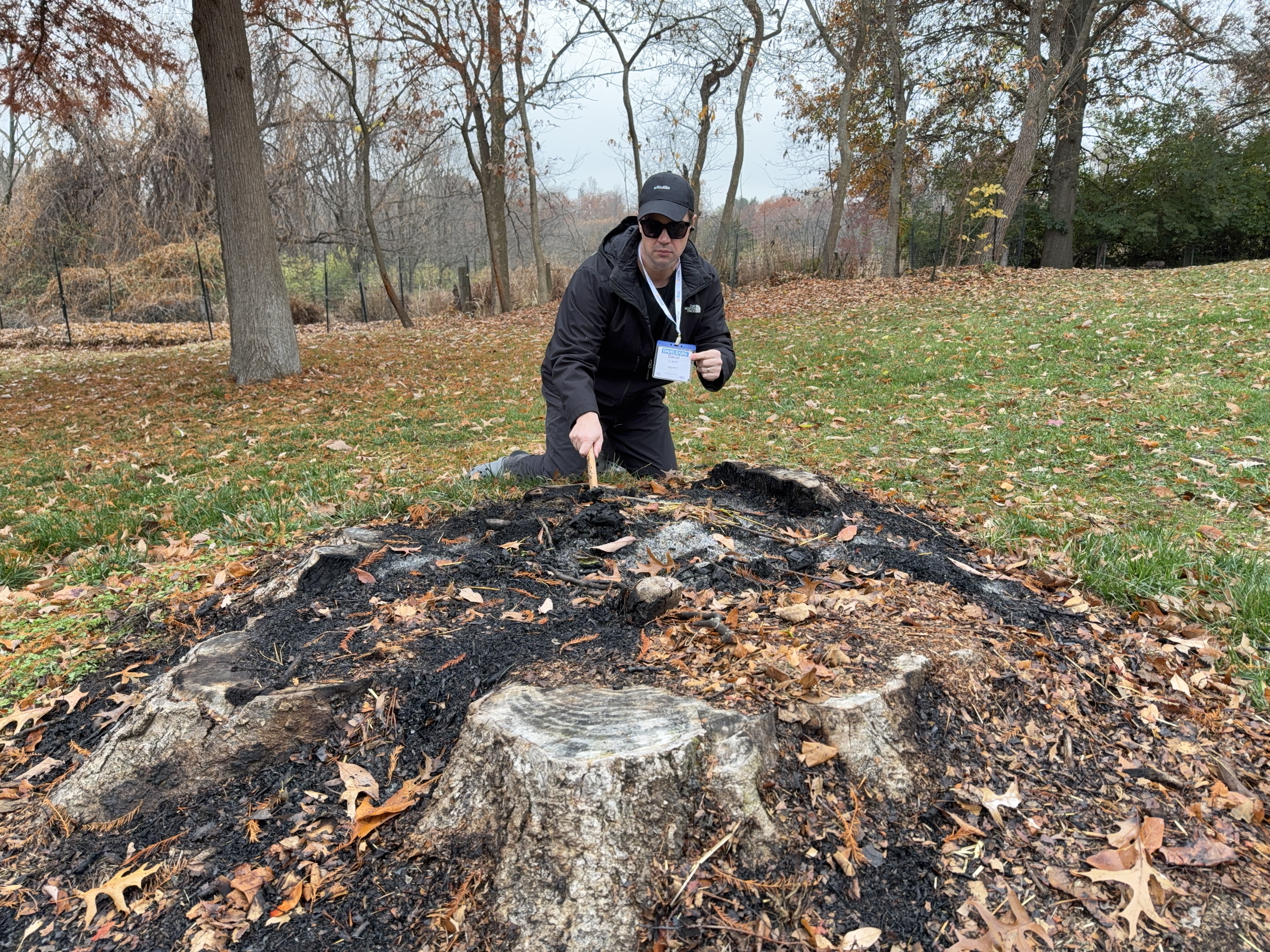
Event Security Blunder: DAVELEARN’s Overzealous Guard Incident

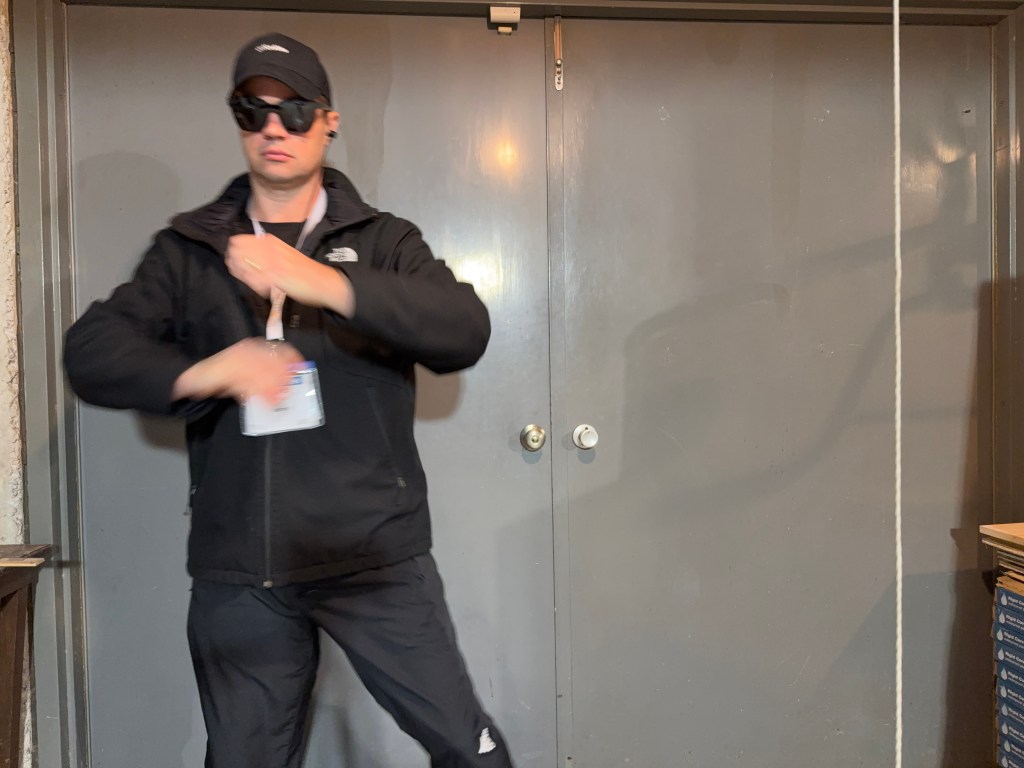
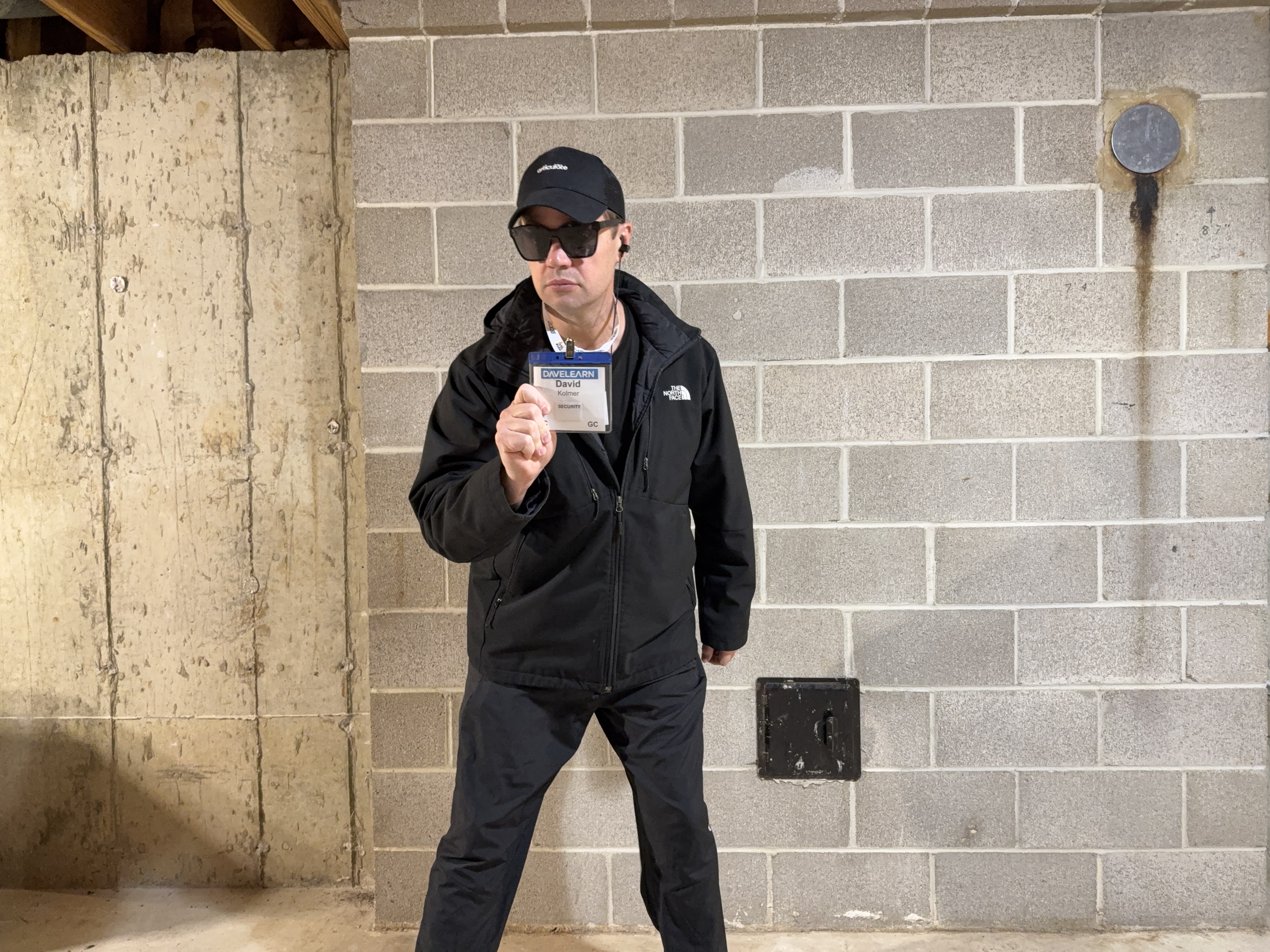
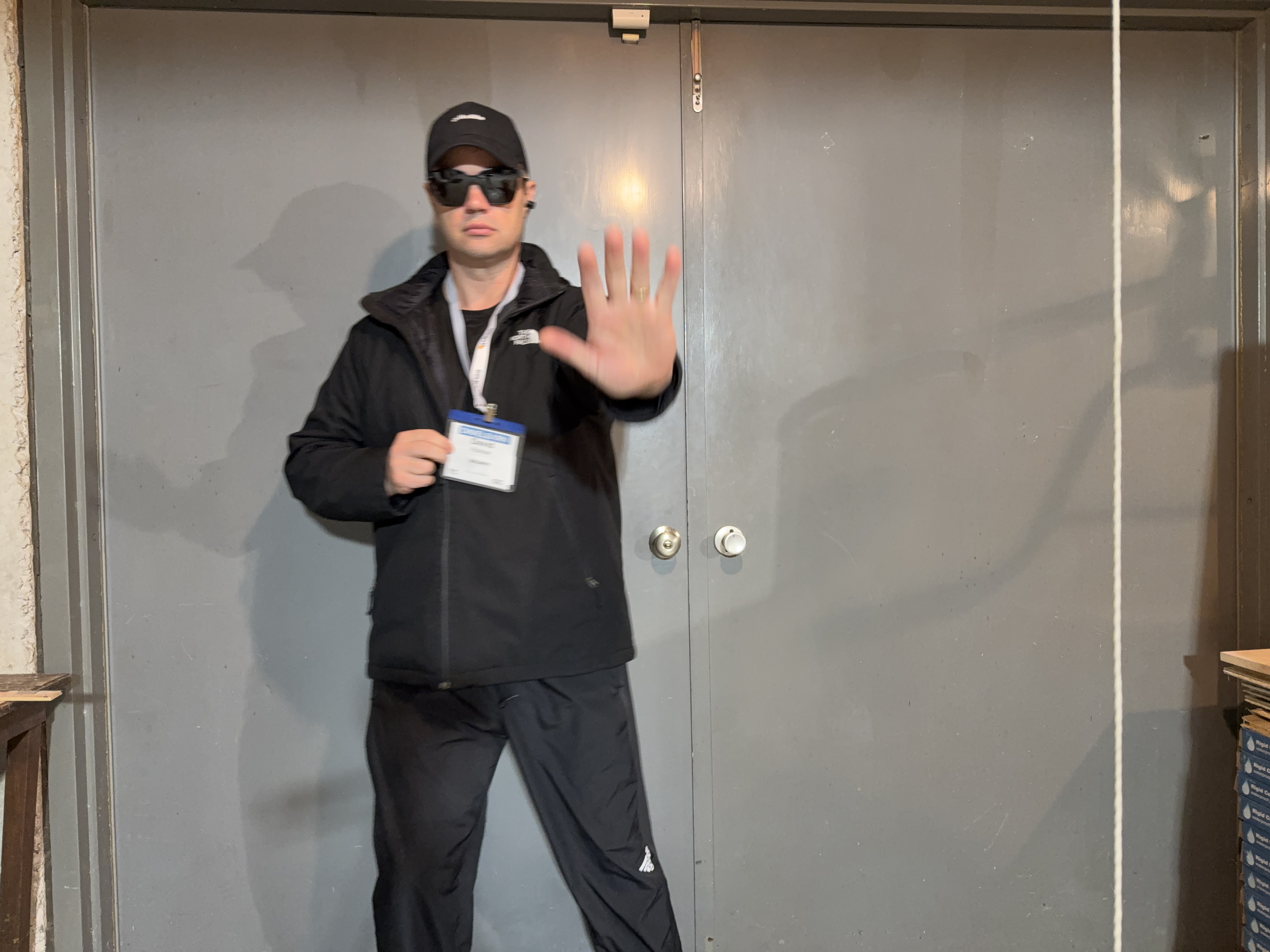
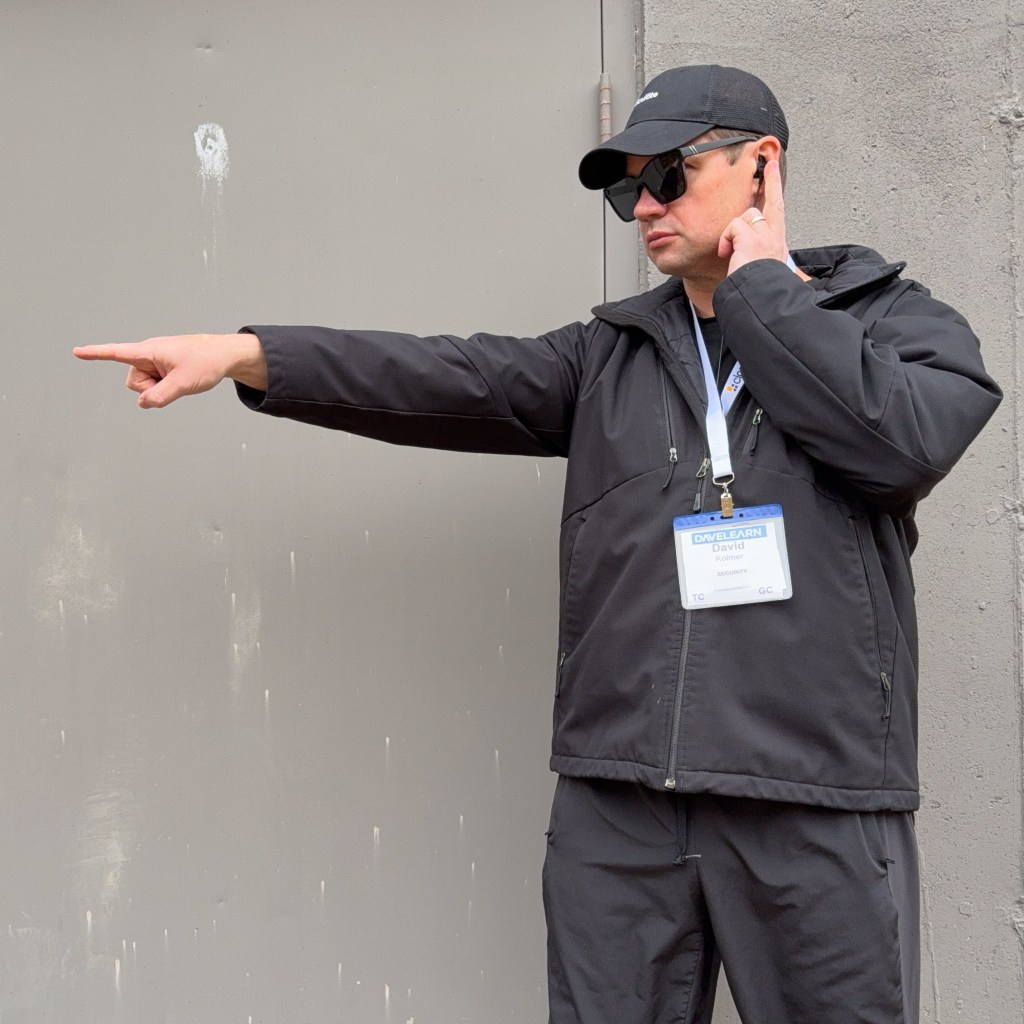
Overactive security led to negative participant experiences at the recent event DAVELEARN, a “smaller learning conference” which took place at the GAMELAYER.fm studios from November 10th to November 14th, 2025, in St. Louis, MO. Sources claim there was an overactive security guard on site, who reportedly refused entry to participants in the event that they could not present their badge.

CEO of the event, Dave, made a statement an hour ago from the mainstage at GAMELAYER STUDIOS:

“Team DAVELEARN apologizes for the actions of our overzealous security guard. We received some reports late last night, November 11th, 2025, that they were refused entry for having the wrong type of badge. We outsourced security for this event, and it appears that the proper vetting process for asset selection was not completed. Our sources indicate that this employee was dishonorably discharged from their local militia. We are releasing any more specifics at this point, but rest assured, this former employee was reprimanded and is no longer with us.”

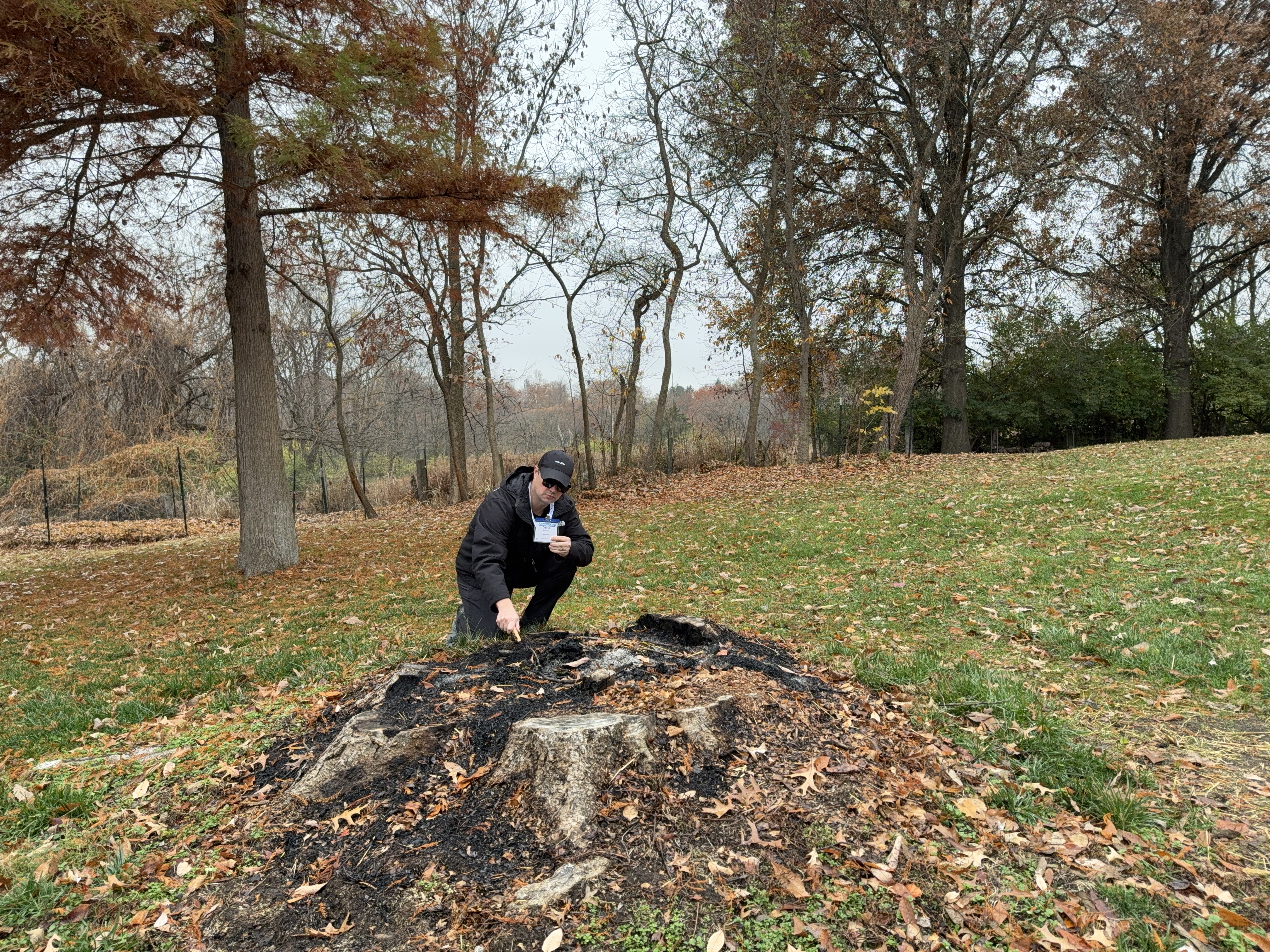
Images of the imposter have been recovered from HD security camera footage.

Sources earlier this morning (11:07 AM November 20, 2025), including potential DAVELEARN Conference attendee Sheila B. Robinson, revealed on the professional Social Media app LinkedIn that “[She] couldn’t get past security at the convention center without wearing [her] badge and lanyard. ([She] was holding it in [her] hand one day, and they hassled [her]).”

SOURCE: https://www.linkedin.com/feed/update/urn:li:activity:7396945595891998720?commentUrn=urn%3Ali%3Acomment%3A%28activity%3A7396945595891998720%2C7397153589778894848%29&dashCommentUrn=urn%3Ali%3Afsd_comment%3A%287397153589778894848%2Curn%3Ali%3Aactivity%3A7396945595891998720%29

A response to the post was delivered at the front doors of GAMELAYER STUDIOS by the DAVELEARN team’s Vice President of Human Resources, “Dave the HR guy,” to a sizable and eager press attendance. Due to a significant magnetic frequency disturbance in the area, there is no audio or video footage available for that official statement. However, text-based copies of the address were captured on pen and paper in real time.

“Thank you for attending this press update. Team DAVELEARN has received additional information regarding the previous employee on our security team, who is known only as ‘DAVE’, who we have confirmed entered into the position under a false identity. Our sources indicate he was only admitting attendies whose badge included the word ‘SECURITY’ on it at the South entrance. We would like to confirm that this was not the direction that was provided by team DAVELEARN, and in addition, we would like to apologize for any negative attendee experiences. This man was not of sound mind; he believed he was a reincarnation of Napoleon Bonaparte XIV, who recently passed away on the 10th of March, 2023. It is our promise that this will never happen again at any DAVELEARN event.”

Sources on site who witnessed the apprehension of the Security Guard formerly known as “Dave” state that he was found digging through the ashes of the stump that was lit on fire during the DAVELEARN event. The man who self-identified as a reincarnation of Napoleon Bonaparte XIV began to yell that he was on a crucial and pivotal mission, collecting scientific samples of the remains of the fire that needed to be analyzed by the proper authorities in what he called the “MO cave-dweller community.”

A person walking down the street where GAMELAYER STUDIOS is located observed, “Why do all these DAVES look like clones. What sort of conspiracy is this?”

Man Declares that His Solo Learning Qualifies as a Learning Conference of 1

“I figure just because I am capitalizing on some FREE terrible coffee at Lowe’s and solving a problem with my cedar deck at home, it doesn’t mean I can’t pretend this is just like coffee you might get at a conference.”
-Kolmer reported to Linked In what he had said on Facebook:

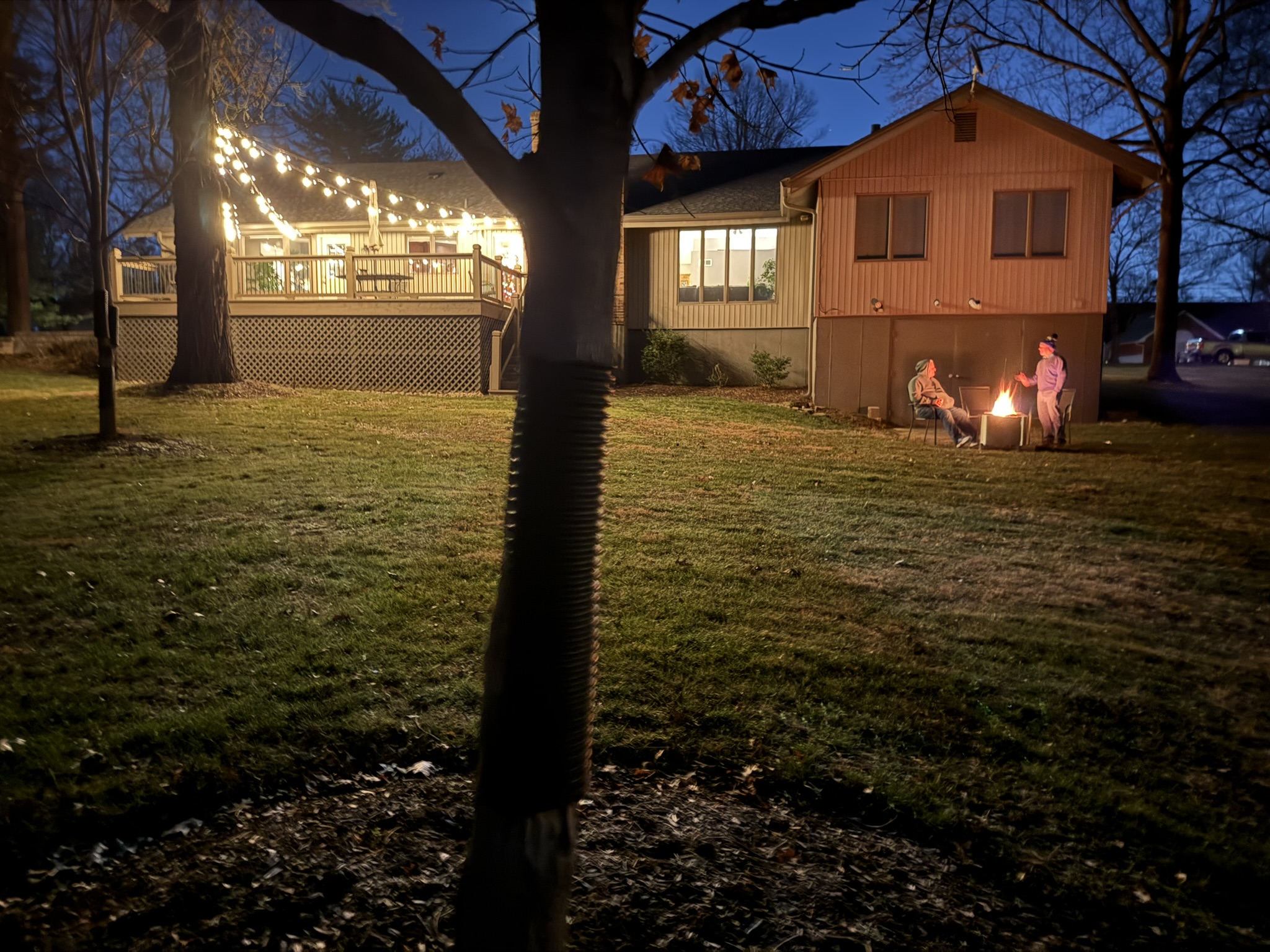
It was reported that instead of traveling to DEVELEARN in Las Vegas, David Kolmer stayed home: hung vintage glass LED lights on his home, purchased items at a hardware store (Where he also scored a few free cups of coffee), started a large fire in the backyard, and then went camping in the cold. Kolmer also reported removing skeletons from his front yard.

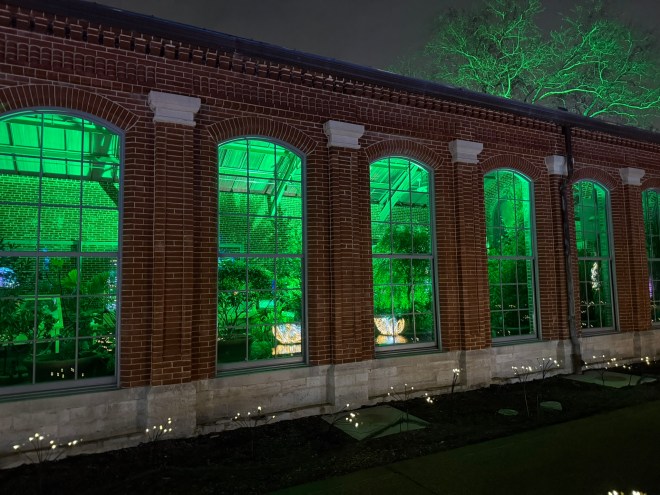
Vintage-Style Glass LEDs

VIDEO FOOTAGE

Safety is our Number 1 Priority.

Team DAVELEARN takes great pride in the level of security we provide at our events. “Dave is a fantastic security guard. He is beyond professional.” Recounted the team’s leader, who is named Dave.

Tree Trimming Skill Practice

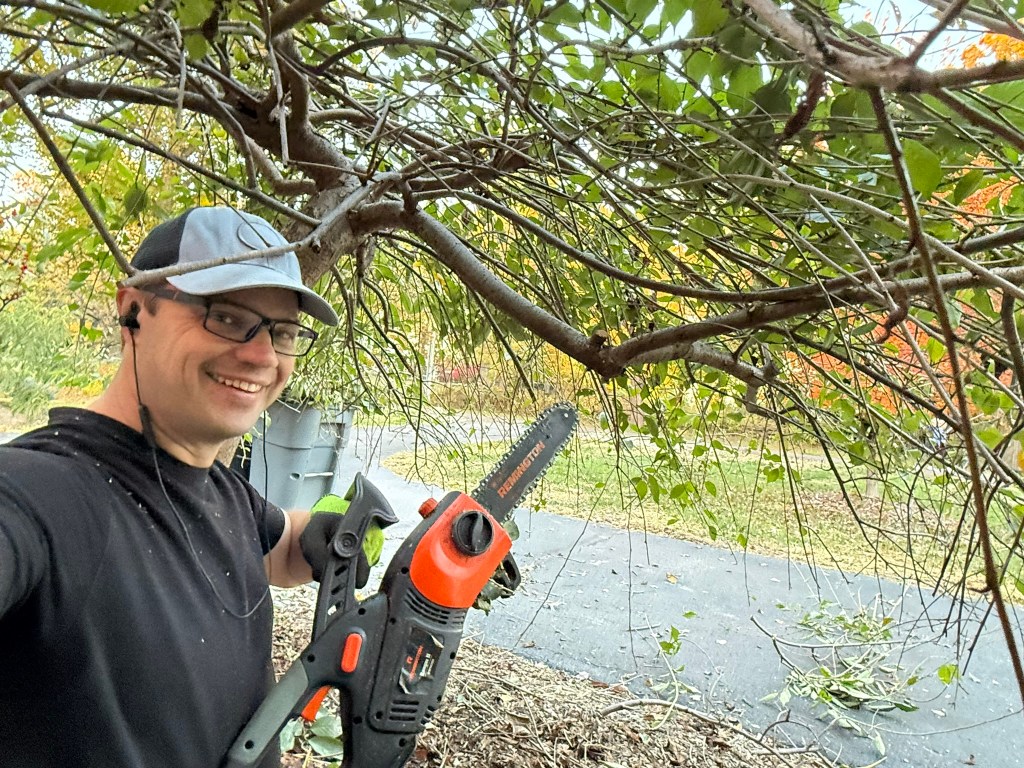
“Trimming of trees with chainsaws was a very large part of the DAVELEARN event”, recalled its single participant, David Kolmer.

Lighter Fluid Safety Training

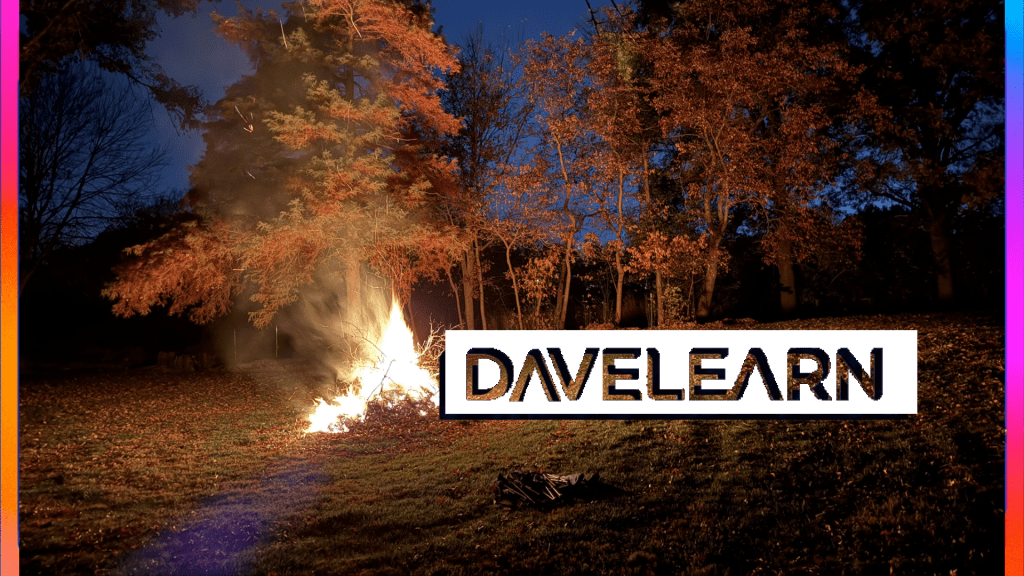
Kolmer also reported “Starting a big fire out in the back yard.” as something that happened during the scheduled events of the Davelearn Conference.

The following day, Kolmer admired the progress the fire had made on the stump. Just after that, a neighbor called him and asked if he knew he had burning leaves in the yard, and he shared that he did and thanked the neighbor for the call.

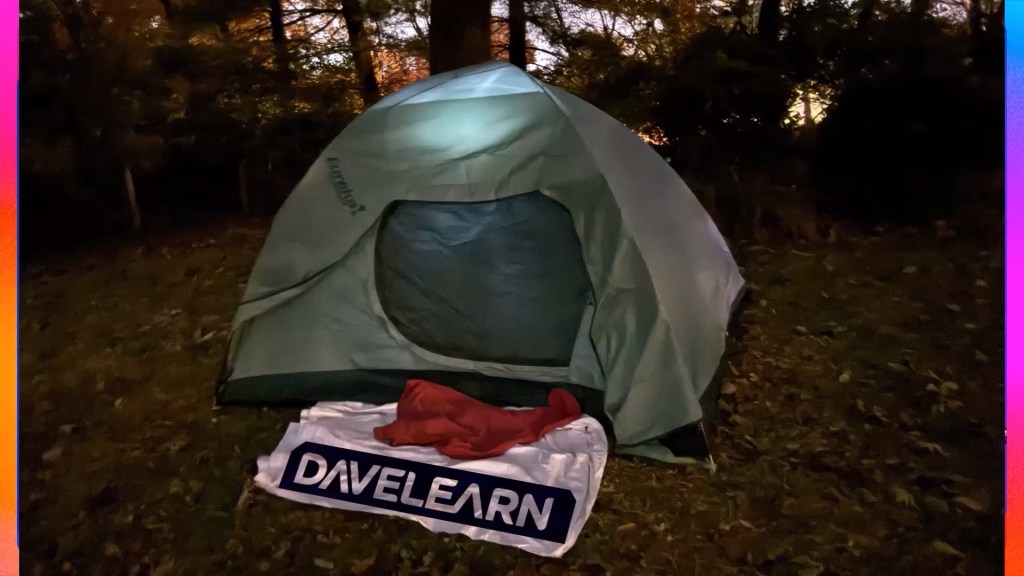
Tent Camping Simulation

Kolmer overshared with his concerned neighbor one the phone, and stated that they had a fire because they had been camping in the cold.

After discussing how cold it was outside that night, Kolmer reported that he will be working with the BALSA Foundation, providing learning sessions for young entrepreneurs on Brand and Marketing via Podcasting and Videocasting (Vodcast or Vidcast).

Announced collaboration with The Balsa Foundation

Video Footage

At the end of the interview, Kolmer shared that they had started the “week of intensive learning and confernece-esque activites.” By packing up the plastic skeletons back into their plastic bags, they live in. The skeletons were stowed away between the basement shelves and the floorboards at the time of the interview.

The conference of one, that might have never happened, or maybe it did.
Reports are not clear; there certainly were a lot of pictures.

Designing for Discovery: The Role of Autonomy in Learning

Yesterday, my kids were playing in their sandbox. The weekend before, I had noticed that my daughter and her friend had shoveled all of the sand up to the slotted planked “walls” of the sandbox, and a lot of it had fallen out into the playground area. Yesterday, my kids filled that area with water, played on the slide, and got covered in mud. Now, I built that sandbox intending for my kids to sit in it, shovel sand into buckets, and play as if they were at the beach. How they chose to play in the sandbox doesn’t align with my original intention. And that’s completely alright.

When I first started exploring instructional design, I was working as a training facilitator at a call center for a popular credit card company. I reached out to an established instructional designer working at the flagship office in Ohio, to learn more about the🆔role. They shared a project addressing one of the most complicated phone call scenarios for credit granting—a situation where identifying the next course of action was particularly challenging, especially for newcomers who wanted to avoid legal missteps.

The designer’s solution was a basic e-learning module in a SCORM file. It featured a branching scenario that guided users through the call, complete with cute static cartoon characters. Intended as a classroom learning experience, it evolved into something more. Learners began using it as an interactive job aid during actual calls, asking clients for brief holds while they loaded up the e-learning module and then consulted the e-learning for guidance throughout the call. The instructional designer saw this as a complete success, as the artifact had transformed into a practical, continually used tool. The form of the learning artifact remained the same but the function or usage of the tool had pivoted.

In learning and development, we often focus on creating artifacts that suit our own learning preferences. This natural and selfish process has been coined “Self-Hugging.” That is making learning content that we ourselves would consume easily. However, it’s crucial to design learning experiences that work for everyone, regardless of their ability or learning preference. The function of a learning artifact should be left up to the learner. Too often, we dictate how learners should use these tools, limiting their potential.

Just as children might choose to shovel all the sand out of a sandbox—not the intended use, but still valid—learners should be free to explore and use learning artifacts in ways that work best for them. This exploration can lead to valuable realizations. For instance, children might learn why keeping sand in the sandbox is important through their own experiences, rather than being told arbitrary rules. So there is a connection here between the corporate learner and the child playing in the box of sand…

When learners have firsthand experience, they understand the reasons behind certain practices. This approach is far more effective than simply dictating rules without context. It leads to actual behavioral change and cultural alignment with policies. By allowing learners to explore, make mistakes, and come to their own unique realizations, we create more impactful and lasting learning experiences.

David Kolmer Avatar
David Kolmer

improvementdave.com

GAMELAYER: Behind the Scenes of a New Radio Show 📻

My Unexpected Experience with Riverside.FM

I recently conducted a test recording using Riverside.FM, and it exceeded my expectations. The platform asked dynamic, open-ended questions that really got me talking. Although it was just a demo, I had a blast creating it, and the end result provided a great description of my upcoming radio show, #GAMELAYER.

Initially, I had no plans to publish my first experience with Riverside.FM. However, I was pleasantly surprised by its capabilities. It offered high-definition recordings for multiple participants and provided a range of video editing tools and open-source music. While I couldn’t add transitions to images or videos, I could fade music in and out. Overall, it was impressive for a free platform. As someone who loves using free software (much to the dismay of my computer engineer friends), I was thrilled.

I’ve been working hard on editing the first episode of #GAMELAYER, which features a series of phone tag audio messages sent via text. I’m torn between using the original low-fi recordings to emphasize the casual nature of phone chats or enhancing the audio for a more professional sound. I think I’ll publish the high-quality version as a podcast and host the low-resolution version on the transcript page of my Substack newsletter.

I recently purchased the domain Gamelayer.fm but haven’t successfully linked it to my Substack account. Instead, it redirects to Substack’s main page, which isn’t very useful. I’m considering building a landing page with Parallax animations on Amazon AWS, but I’ve read that the process might be similar to linking to a Substack account, which could be just as challenging. For now, I have some ideas, but they’re still in development.

Currently, my focus is on recording the show. However, I might need to reach out to experts to help launch the webpage. Alternatively, I can let the podcast distribute across platforms via Red Circle for now and work on the webpage after the show’s official launch.