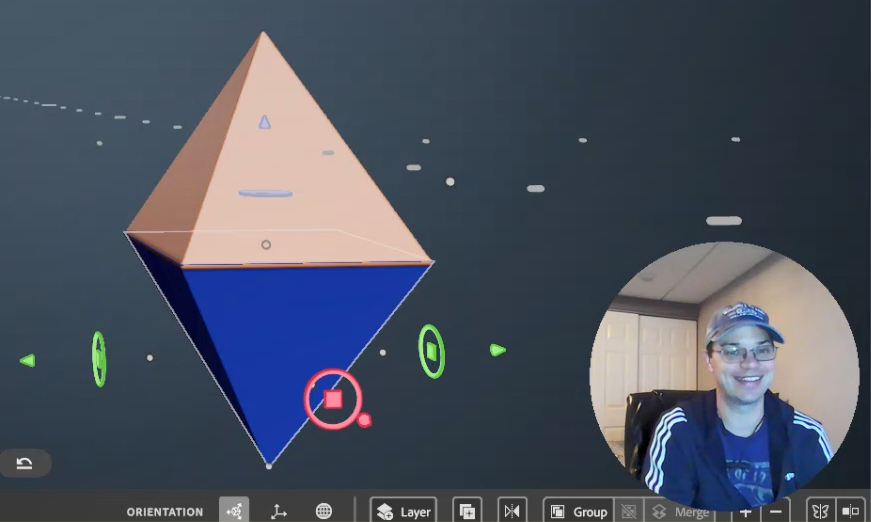
The stamps live next to the primitives as a shape option for the clay tool and the erase tool.
Stamps can be in any shape! Also, Adobe Modeler comes with preinstalled stamps!
Check out what I came up with in the video, stay tuned below for more detailed step-by-step information on how stamps work.
Video of my creating
What are Stamps?
Stamps are based on meshes rather than the math of the primitives (essential tools for clay building) The outcome is that there are fewer options to change the Dynamics of the shape (like Taper, Fillet, Round, etc.) You can see above that Size is the only option to change the Dynamics of the stamp tool selected. Although, Single, pressure, and steady are still options which is a great thing.
There are two ways to make Stamps
First Way to Make a Stamp
You can make a stamp from a layer.
Select the layer
Right-mouse click to open the Actions menu.
Select the Stamp Icon
I want to point out that if you are working in VR the stamps in the tray are previewed in 3D. I just think that is amazing.
You can click on the create stamp icon anytime you are editing, because when you are editing you have a layer selected.
Second Way to Make a Stamp
You can import stamps as mesh files inside the app.
Modeler currently supports importing stamp meshes files in these formats:
OBJ
FBX
USD
GLTF
IMPORTANT: These files must be added through the app, you can not just dump them into the Window where MOdeler stores stamps. (Adobe > Adobe Substance 3D Modeler > Stamps)
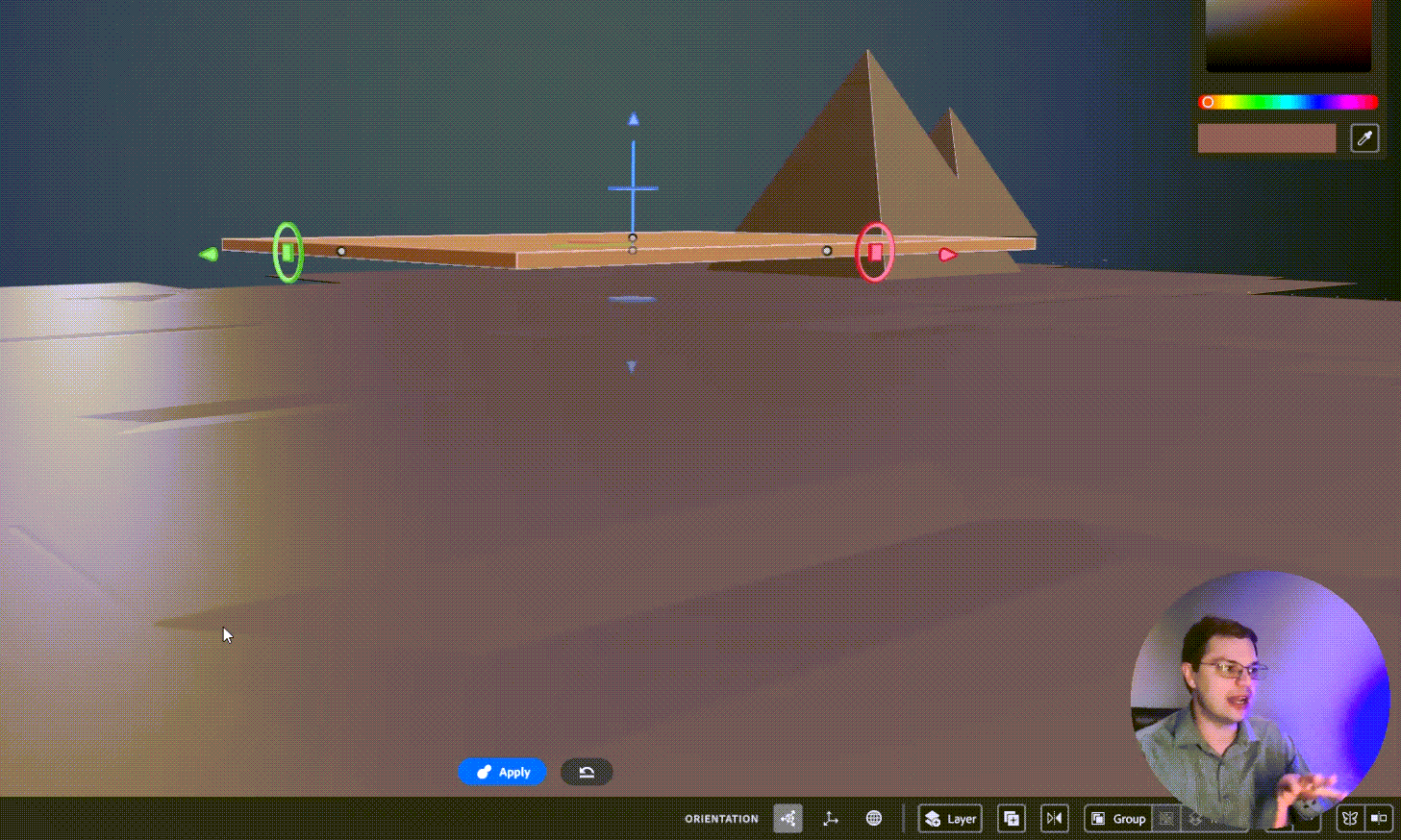
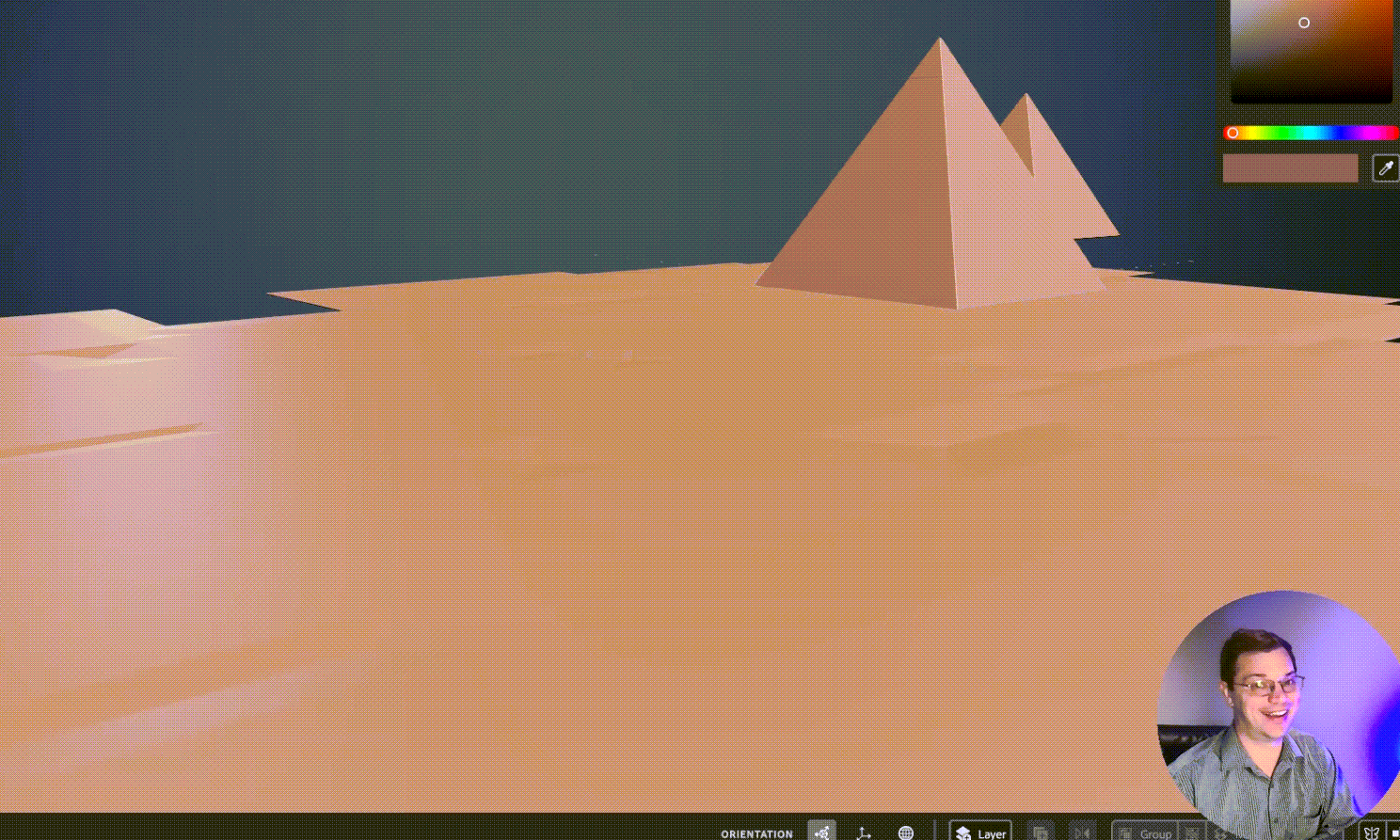
Day 4 of my 3D Modeling 30-Day Challenge I have been wondering if Adobe 3D Modeler should be used for creating organic outdoor landscapes. It makes sense that this sort of scene would come up in the topic of “Resolution” because this file became very large very quickly.
In the video, I say that “I noticed resolution but it didn’t really click on what that was.” So, for the record: I know what resolution is and I should have brought more of my Adobe Photoshop knowledge to the table. What I meant to say was that it didn’t click how relevant or significant the resolution would be to file size. Then add to that the ramifications of delay to process certain morphs, smoothing, or the simple act of saving or opening the file.
I timed opening the file at 17 seconds but I noticed I missed 2 seconds in the beginning so it was probably an actual 15. Then I lowered the resolution, saved, and timed reopening the file. I lowered the resolution so low that the ground was actually damaged and had holes in it. So, too far! but the open time went down to 4 seconds with an actual of probably 1 or 2 seconds. So definitely improved the file-open time with a lower resolution.
Day 04 Resolution – 3D Model 30-Day ChallengeDavid Kolmer is an Instructional Designer and facilitator who does not know how to design in 3D. His goal in this rough cut series is to change that and be able to make a logo in 3D for his brand.
I rebuilt the basic shapes from those tutorials as a review of day 1.
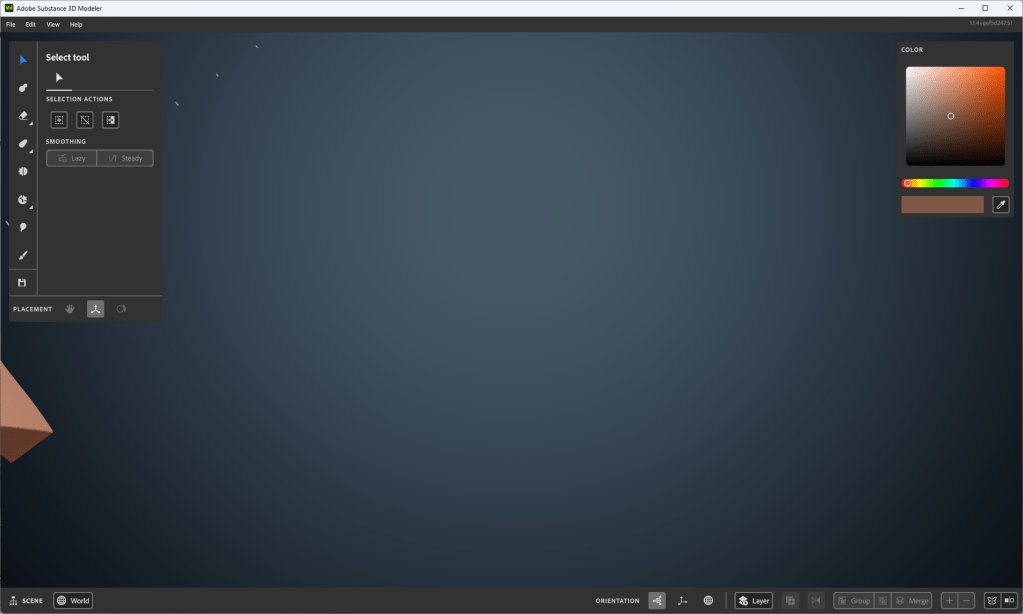
I am having an issue with zooming in on a single object and getting too close. Then when I zoom away the work that I have created is out of view. I try to tap the “R” key twice like it said in the first tutorial but it doesn’t always seem to reset the scene. The workaround I have found for now is to save and reopen the project. I show this at the end of the video below.
Image of my workspace where I can’t seem to focus back on the object I’m creating
While trying to solve this problem I saw this fantastic page that shows all the key commands used for Adobe Substance 3D Modeler, which is super helpful. Thanks, Adobe! You rock!
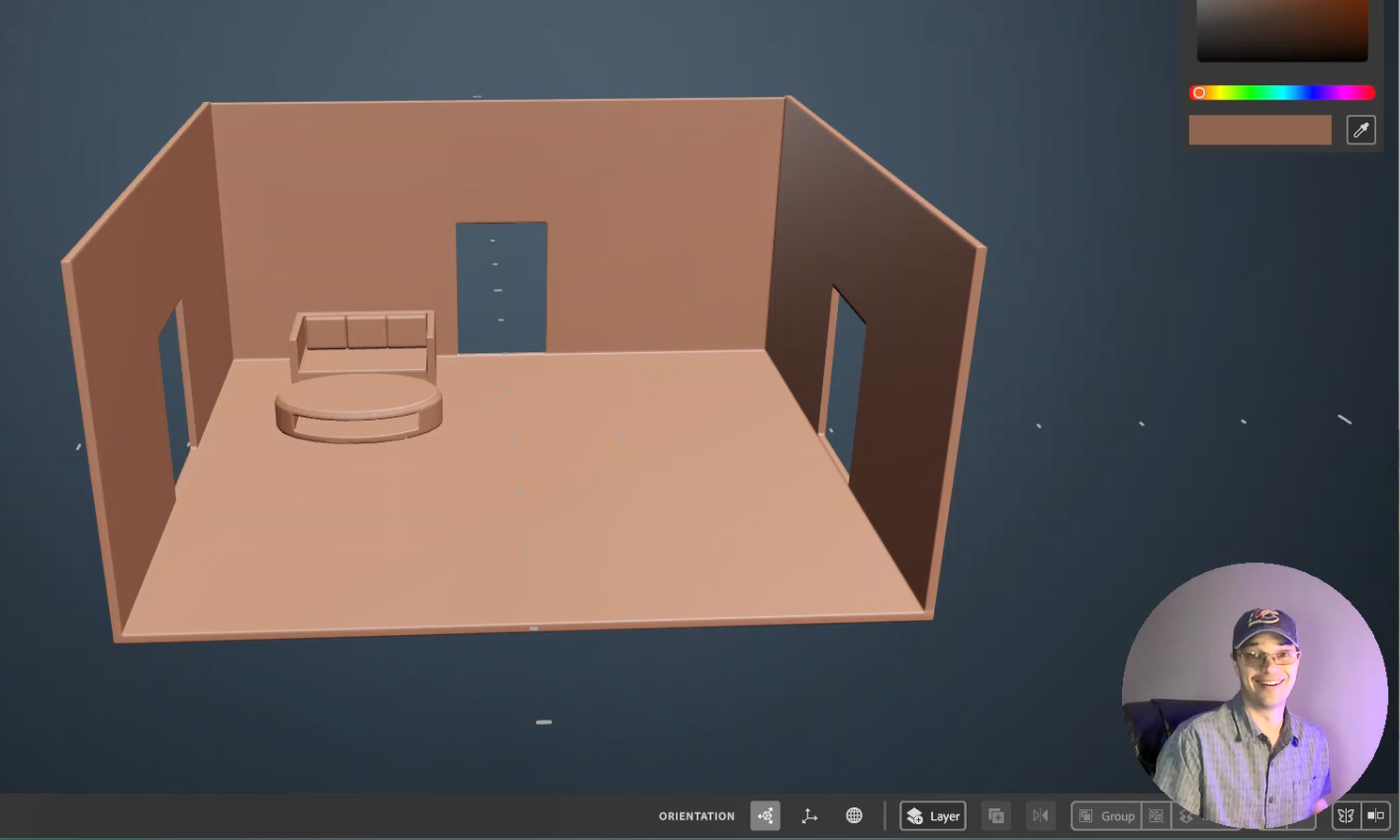
At lunch today I viewed tutorial Video #3 from the free Adobe Tutorials on at least Adober Substance Modeler. I say in the video that I picked a scene of a room from a house because of my theater, instructional design, or house rehab background; but it is just as likely that I have been learning Multi-Craft (later iteration of Minecraft) with my son. I also made an attempt to improve the lighting in my room for this recording. Here is what I came up with from day 2:
I am going to teach myself how to create 3D objects in the virtual space. I don’t know how to use Adobe Substance Modeler, Adobe Substance Painter, or Adobe Substance Designer, nor do I know how to use Adobe Substance Stager. I am going to spend the next 30 days taking the free Adobe Tutorials on at least Adober Substance Modeler and sharing my experience here. We will see how it goes!
Upon taking some preliminary video courses I have learned that this can lead to designing in Virtual Reality and Augmented reality and I want to be very clear that, this is my ultimate goal. For now, I want to build a logo for my brand and I am thinking that the 3D space might be easier than Illustrator. I have some basic designs in Illustrator and they look well… flat.
So far I have been working in Adobe Illustrator which to be fair I have not used in over a decade. I like it, it is very powerful. HUGE shout out to my buddy Luke Lindberg who has been holding my hand through this process. You are the man Luke. If you need a graphic designer, then hit him up!
What I love about living in 2023 is that if you want to learn something new chances are the platform that makes the product you want to learn is producing high-quality learning content and sharing it on Youtube for free! HOT JAMS! Just look at this, 10 fresh clean learning artifacts that walk me through the process. I would be mad to not take advantage of this! Adobe Tutorials “https://youtube.com/playlist?list=PLB0wXHrWAmCwrvuebNKHc7rooXkkVDwln“
So, I am jumping in, I am teaching myself something I know nothing about. So let’s look at what I came up with. You can tell by the concerned look on my face in the next video! This is not the face of a man who knows what he is doing. This is the face of a man who is vulnerable and swimming in waters he does not know.
After Working with the First 3D Substance Modeler Tutorial #1
So, to be candid. I created something and it didn’t work because I was just messing around with the shape of the brush and not actually creating something. Then when I went to reopen the file there was nothing there because I didn’t create anything. So I actually created this after watching the second tutorial but it relates to the first tutorial so I will share it first.
After Working with the First 3D Substance Modeler Tutorial #2
In this tutorial, it became clear how to use the creation “gizmo” or “brush”. You can press the “e” key to set it to a transparent object for erasing. Or you can press the “c” key to create in clay. I am still not clear on what pressing the “c” key does. It sort of bakes the clay and then you can’t erase what you have already done. I really dug in here and created many layers to get an idea of what the limits were.
I am really excited to enter this new space. Even if these aren’t the tools I eventually need to create VR and AR experiences learning these skills will be valuable when I do. I would like to thank the learning team at Adobe who put these learning playlists together. YouTube really is the best LMS on the planet Earth.
In my last two posts, Consistency and What Does Consistency Mean to You? I delved into who I am and what I am doing to improve myself. It was rather lavishly selfish and self-serving. I apologize for that. I will take ownership of both of those posts and admit they were not serving my readers in ways I am super proud of. At the same time, I will not delete them. That’s where I was at that time, I needed that, and I also need to own them. I was working on personal improvements that maybe don’t belong on a professional Learning and Development blog, or maybe they do. I guess that’s the good thing about blogs, it kind of doesn’t matter.
I was thinking about this last week as I sat watching my son dig through his swim lesson at the local YMCA. I saw him working on lifting his head gracefully to take a breath in a way that was anything but graceful. He was lifting his mouth far above the water and taking giant gulps of air through his mouth open wide. It was cartoonish. Anyone else watching would have seen a child who doesn’t know how to take a breath during freestyle.
However, that was my child, and I talk to him frequently. When we ride in the van to school, as I tuck him in at night, when we sit in the backyard breaking sticks. I know he is working hard on taking a good breath during the freestyle. I know how long it has been since he could not take a breath to the side instead of raising his head in the front. I know this is a challenge for him. I know this is a big goal of his. I know about the personal work he has done alone and with me at the pool to improve his swimming strokes. I know his work on diving to the bottom, practicing holding his breath, and getting his goggles just right. I see the personal work that he has had to do to be able to swim as well as he can now. We have discussed the excitement and fear he has related to deep diving.
When I shared my last two posts I was sharing my personal work. The things I was doing for me to make my overall performance more effective. Nobody really cared, I didn’t get comments on Linked In, and sadly enough I noticed that, and it meant something to me. Then I stopped posting. The truth is maybe somebody did read that and got something out of it. I was making it about me, about people responding to me. It shouldn’t matter if nobody responds. Ideally, I shouldn’t care how many people read.
Better Writing
During the summer months, I mow my own lawn. I normally listen to Music and Podcasts but I have pockets when I choose Audiobooks. Back in February of 2021, I listened to a condensed version of This book will teach you how to write better by Neville Medhora and it answered questions I didn’t know I had.
I can summarize this in two sentences:
People care about themselves, people do not care about you.
People respond to what his new novel or helpful.
As an Instructional Designer, or in this case a writer of learning content, these statements hit home for me. I stopped the lawnmower, pulled out my phone, and typed these nuggets into my notes app. After some consideration and revising this post before publishing, I realized that I am pulling from that moment subconsciously, so I should share why I feel the way I do here. These statements aren’t groundbreaking, and in a way they are a bit obvious, but having them as a guide as a learning content writer who does not consider himself a naturally gifted writer, was very helpful.
Internal Wins
Stephen Covey first published the 7 Habits of Highly Effective People in August of 1989, and I first read it nearly 29 years later in 2018. I am basing this observation off of the 7 Habits. The first half of the list is internal wins or “Private Habits”:
Sharpen the Saw, find a balance between work and relaxation
Be Proactive, take charge, and assume responsibility for your life
Begin with the end in mind, Have a vision for the future to make your ideas reality
These three internal wins get you ready for the transition to external wins #4 to Put things first and focus on what’s important. After that is when the internal wins start to support your external wins, wins that others can observe. Once you have implemented the first 4 into your life then you are ready to move on to:
Think Win-Win, find a solution that is profitable for everyone.
Seek first to understand, then to be understood, first really listen, then make recommendations.
Synergize, together you are stronger than alone.
So, sharing my internal wins, or new “Private Habits”, candidly was meant to show what I was working on and how I was improving myself. However, those wins are for me, those are mine, and I can’t really expect other people to be excited about them like I am. After all, People don’t care about me. Do I still bring up my Spindrift carbonated water with lemon juice and my intermittent fasting to strangers at my daughter’s dance practice? Well, yeah, I still do, and I maybe need to work on that if that is over-sharing; but for here, on this channel, this blog, I am going to pause and pivot. I am not going to consistently tell you about how consistent I am in my diet, work, or sleep patterns and expect you to be happy for me.
The truth is, nobody liked the post much on LinkedIn or Facebook, but I just checked the stats on WordPress, because I was curious, and that post had more views than any of my other recent posts in some time, and I even got some likes on Worpress itself, which I’m not sure I have ever had. So, I am back to square one with Dr. Socrates. I now know that I definitely don’t know sh^t. I need to stop overthinking this, (and maybe rebuild parts of my 4th wall.) Overthinking is not a new pitfall for me. Unfortunately, Analysis Paralysis is kind of my jam and I need to shed that like last year’s skin. Maybe that is what this BLOG is about.
I am going to post consistently, for you (and for me). I’m not going to overthink what I post, I’m just going to keep posting consistently. oh, yeah, and I’m going to keep breathing, probably not drinking alcohol, eating right, and working out HARD 3 times a week, (but I’ll try to keep that more to myself moving forward.)
Work Cited
Covey, Stephen R. The 7 Habits of Highly Effective People: Restoring the Character Ethic. [Rev. ed.]. Free Press, 2004.
Medhora, Neville. This book will teach you how to write better. [1st ed.]. Neville Medohora, 2013.
About the Author
David Kolmer is a learning professional who currently works and lives in St. Louis, MO. He does not have a degree in nutrition but does hold a Bachelor of Arts in Theater Arts and a Master of Arts in Instructional Design and Educational Technology.
In my previous post, I dug deep and shared about a position I held as an Instructional Designer; where I was not passionate and my skills were not well aligned with the needs of the learner. So, here are the top 5 things I learned from the most challenging Instructional Design job I have had so far.
Let Go, Your EGO
Think less about how you are being perceived by others, Focus on the value you can add to the business.
I was trying to add value to the department I was serving. However, I was thinking too much about myself and not enough about the needs of the business or, more importantly, the needs of the learner.
Let Your Interests Guide you
Do not work for an industry you are not pasionate about, seek out your passion.
This topic almost seems idealistic because we have heard it so much. In my current position, I am engaged because the industry I serve is electrical components and electric systems. I find it terrifyingly interesting. When I worked at insurance I felt a bit like I was serving an economically dark lord. I realize I was not working for the satan, but from my perspective, according to my truth, I might as well have been. A person much wiser than I once uttered, “
“Choose a job you love and you’ll never have to work a day in your life” – CONFUCIUS
Strive for New Skills
Do not fall back on the skills you have, Seek out new skills.
It is easy to skate by on the skills that have served you best in the past. However, as a learning professional, “The way we have always done it” or “I’m going to use the tool I know best” does not always produce the best outcome for the learner. So, as a principle, force yourself to seek out new tools and identify where they would be useful. However, do not use them simply because they are new.
Enhance, Don’t Rebuild
Use the tools already in place, and then enhance or build on them.
This is huge, and this ties directly back to letting go of your EGO. Don’t build something new just to say, “Look, I made something new.” Often times what is in place is working so don’t touch it. Instructional Designers and even higher-level learning architects do not have to be Organizational Development experts. It’s not our job to reorganize the business so it works better. (Although, sometimes it feels like the fails of business structure are flung onto the easy targets in the training department.)
Use the systems that are in place and find ways to enhance the way people interact with them.
If learning content exists then use it and build on it, do not scrap it and start over unless you have to.
Learn From Failure
Learn From Failure
Don’t let your ego get in the way of learning new skills, fail head first with passion and then learn from your mistakes to improve.
If we do not feel comfortable failing, then we never truly grow.
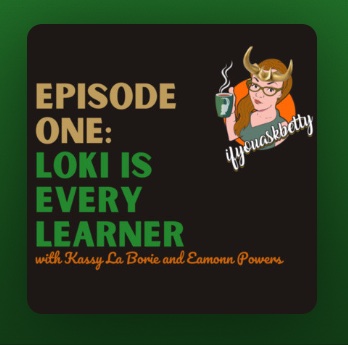
I recently completed listening to the LOKI series on the If You Ask Betty Podcast, where Betty and her guests discuss how LOKI is every learner and our goal is to find and reach for our glorious purpose.
Another key point in the 5-part series by BettyDannewitz is that failure is fundamental in this process of discovering your glorious purpose. In the Television show by Disney+, LOKI (link to trailer) fails so bad that we can perceive him as an anti-hero. However, when LOKI meets Morpheous and is really challenged to the core, his path diverts, he can start to embrace his failure as legitimate and use that experience as a moment of learning.
“A person who never made a mistake never tried anything new.” –ALBERT EINSTEIN
—Albert Einstein
Did you know that Albert Einstein could play the violin?
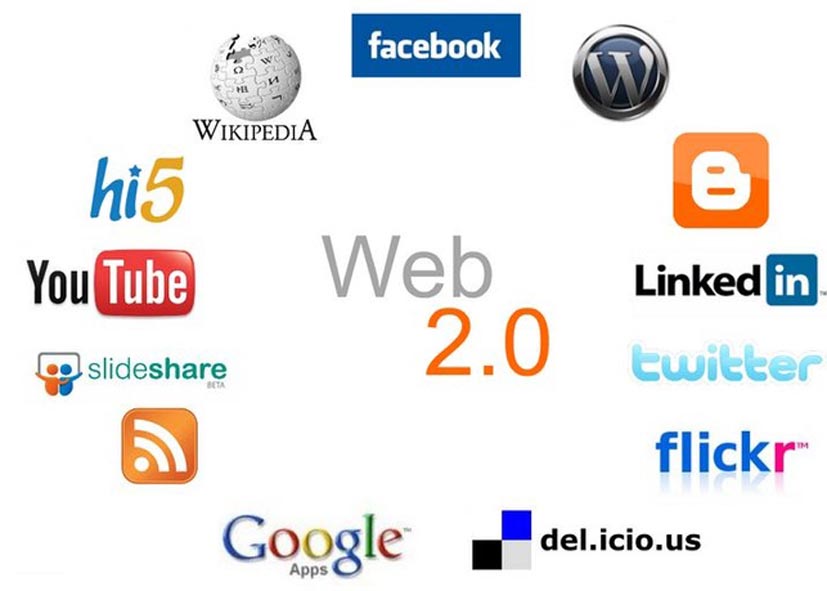
This is a high-level overview of the current top 8 Web 2.0 sites. Web 2.0 is defined as a web page that allows for user manipulation and interactivity with document, media and other users.
“One of the key lessons of the Web 2.0 era is this: Users add value. But only a small percentage of users will go to the trouble of adding value to your application via explicit means. Therefore, Web 2.0 companies set inclusive defaults for aggregating user data and building value as a side-effect of ordinary use of the application. As noted above, they build systems that get better the more people use them.”
― Tim O’Reilly, What is Web 2.0
First things first. Facebook is the social media site by which all social media websites are defined. The original purpose of Facebook was to allow college students to interact and rate each other on likability. However, over time Facebook has grown itself to a social media mega-platform that can be used to keep in touch with friends both near and far, advertisement, sales and mass communication just to name a few. Facebook has become the go to for all ages for social engagement. Yet, over time it has transitioned to include comercial marketing and advetising as well. FaceBook is becoming overall less popular with younger generations as all of the grandparents and great grandparents start to utilize the platform. Facebook was founded in February of 2004 with credit of its creation given mostly to Mark Zuckerberg. A Facebook account can be easily created with a functional email and a password. With a Facebook account, you can create a page that can function as informational or for business purposes.
Have you ever heard of this company they call Google? What started a powerful web search engine that actually searches pages, and is not merely an index of selected URLs, has grown itself into a tech and software superpower. Google is usable in one form or another by any age, gender, or socio-economic status. The G-Suite platform includes Gmail, Calendar, Hangouts, Drive, Docs, Sheets, Slides, Sites, Jamboard and Vault. The Application platform was launched on August 28, 2006; 11 years ago by the parent company Google. The G Suite was started with the idea of Google having an email platform which they dubbed “Gmail” which for the time had a very large amount of data storage. The suite has grown over time to include document editing platforms, cloud storage and online meeting places.
LinkedIn can easily be defined as the Facebook for your professional life or career. The Linked In profile serves as a working resume that can easily be updated and customized by the user. It is largely used by the professional workforce to promote themselves in the job market. It is not secret that hiring managers leverage Linked In on a daily basis. There are even professional accounts available that allow hiring managers additional search and find privileges over the standard free account. It was founded in 2002 by Reid Hoffman. Signing up for Linked In is very intuitive and can be expidited if the user chooses to leverage an existing Facebook or Google account.
In case you haven’t noticed yet this web page was created via the WordPress platform. WordPress is a simple cloud-based web page design platform that can be used for free by bloggers or upgraded for very low monthly rates (paid annually) to a sales platform. The design is intuitive and the user even has options for domain name selection. WordPress was launched on November 21, 2005, by the Automattic web development corporation.
Vimeo is a self-proclaimed online community of video creators. Videos must be high-resolution and Vimeo prides itself in preserving the High Definition resolution of its content. Vimeo is used predominately by video artists and designers and is less of the Internet TV provider of its predecessor YouTube. Vimeo was launched November 2004 by Jake Lodwick and Zach Klein of IAC. Users are able to upload personal home movies but Vimeo is more geared for professional video artists who are looking to house HD content for business purposes.
Wikipedia is the online free Encylopedia. It is a rich source of data that is user composed. Although the content is continually maintained and fact-checked by users the credibility of its content is often questioned. Wikipedia is a good source to learn a general high-level overview of a topic you would like to know more about. In a way, it is a good starting place to learn about something new. It is not as usefully for academic or professional purposes as it has not necessarily been written or reviewed by subject matter experts. Wikipedia was launched on January 15, 2001, by Jimmy Wales and Larry Sanger.
SlideShare is an online community where users can share PowerPoint slide decks. The decks are flattened and all: layers sounds, animations and transitions are lost. However, the platform provides powerful and user-friendly space to share slideshows at no cost. The service is predominately used by professionals or students and syncs seamlessly with Linked In. SlideShare was launched on October 4, 2006, by the Microsoft Corporation. Slideshare can easily be used by anyone who opens an account and has a PowerPoint presentation that they would like to share with the world.
Screencast-O-Matic is an online platform, that requires a lightweight download, which allows users to record their screen, webcam or both simultaneously. The free recorder is currently limited to create 15-minute recordings. (If used in a professional setting a pro package is available to that allows for unlimited video length as well as other enhancements.) The user has options of the area of the screen to record, sound input and resolution. Once the recording is complete the user can choose to: download a video file, save to Screencast-O-Matic profile or upload to YouTube. The newest version of the platform is Screencast-O-Matic 2.0 which was launched on Nov. 12, 2015. Screencast-O-Matic is a privately held company headquartered in Seattle, WA.
Author
David Kolmer is a Learning and Development Specialist who focuses on curriculum development and eLearning authoring.











 Improvement Dave