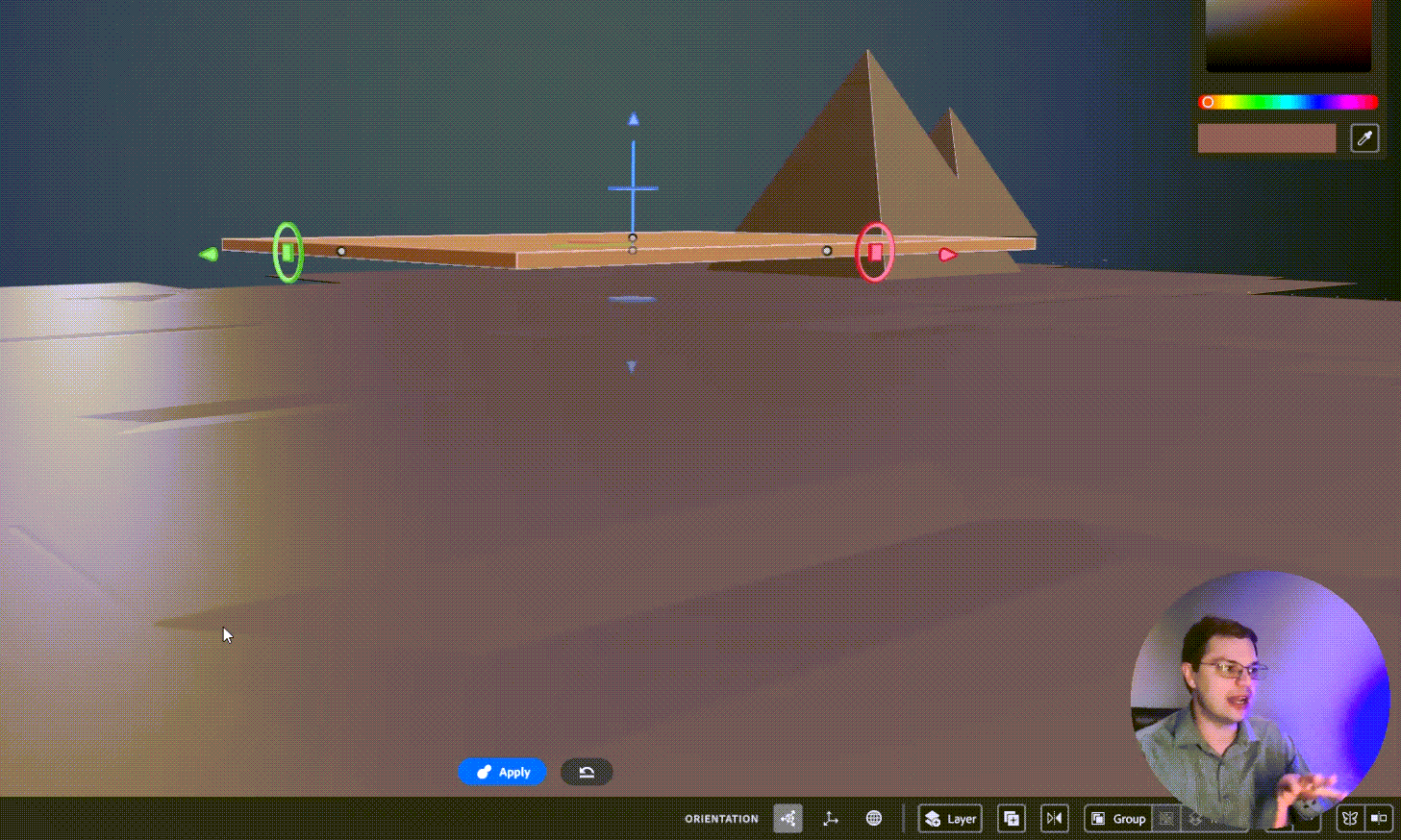
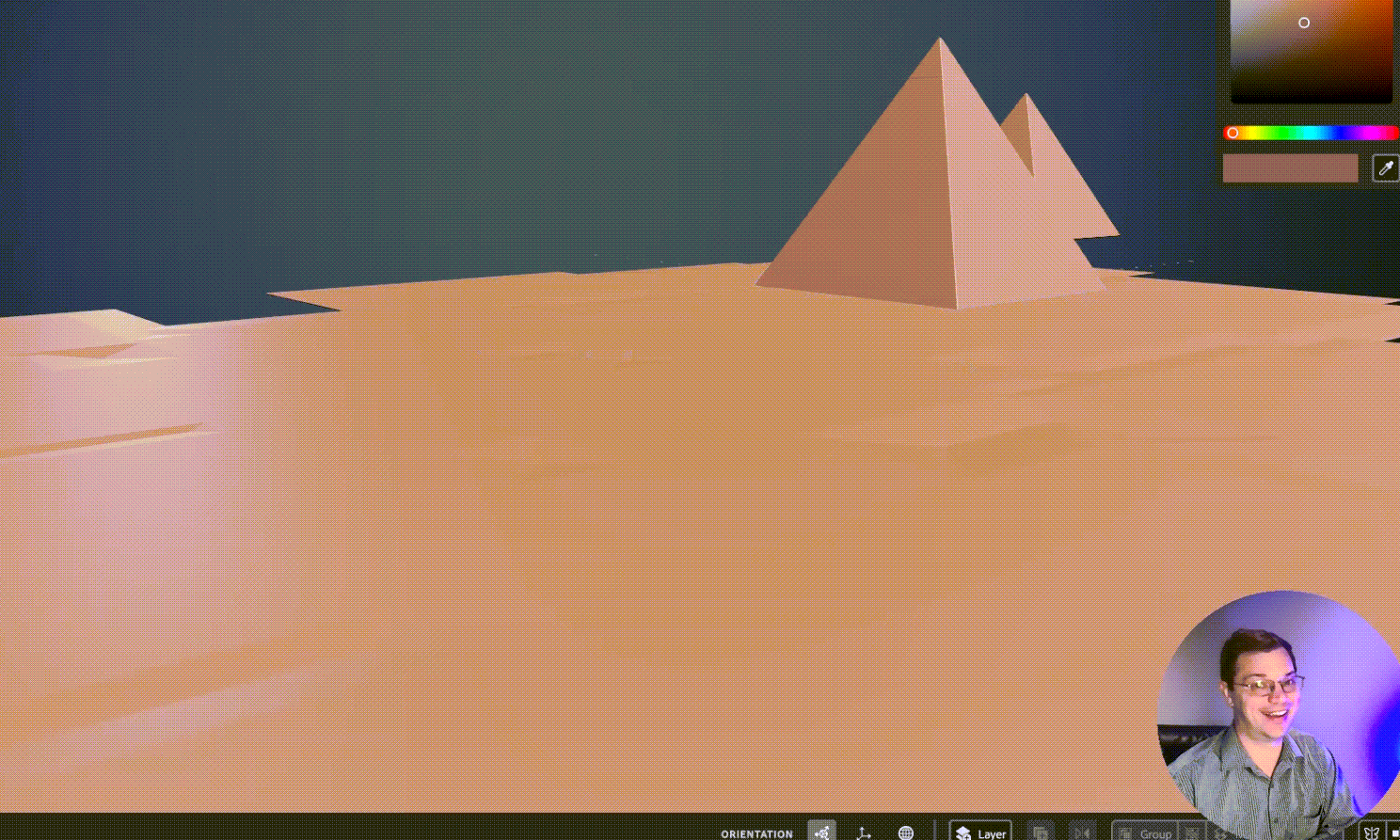
Day 4 of my 3D Modeling 30-Day Challenge I have been wondering if Adobe 3D Modeler should be used for creating organic outdoor landscapes. It makes sense that this sort of scene would come up in the topic of “Resolution” because this file became very large very quickly.
In the video, I say that “I noticed resolution but it didn’t really click on what that was.” So, for the record: I know what resolution is and I should have brought more of my Adobe Photoshop knowledge to the table. What I meant to say was that it didn’t click how relevant or significant the resolution would be to file size. Then add to that the ramifications of delay to process certain morphs, smoothing, or the simple act of saving or opening the file.
I timed opening the file at 17 seconds but I noticed I missed 2 seconds in the beginning so it was probably an actual 15. Then I lowered the resolution, saved, and timed reopening the file. I lowered the resolution so low that the ground was actually damaged and had holes in it. So, too far! but the open time went down to 4 seconds with an actual of probably 1 or 2 seconds. So definitely improved the file-open time with a lower resolution.
Day 04 Resolution – 3D Model 30-Day ChallengeDavid Kolmer is an Instructional Designer and facilitator who does not know how to design in 3D. His goal in this rough cut series is to change that and be able to make a logo in 3D for his brand.
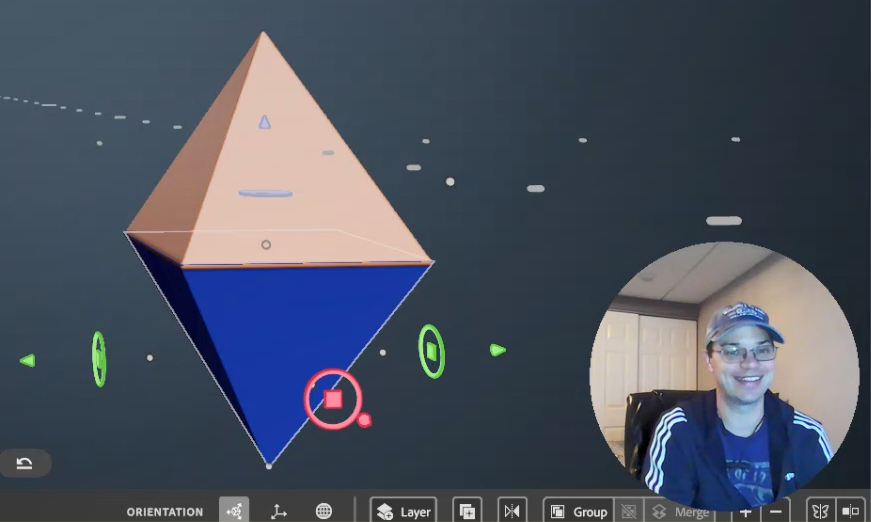
I rebuilt the basic shapes from those tutorials as a review of day 1.
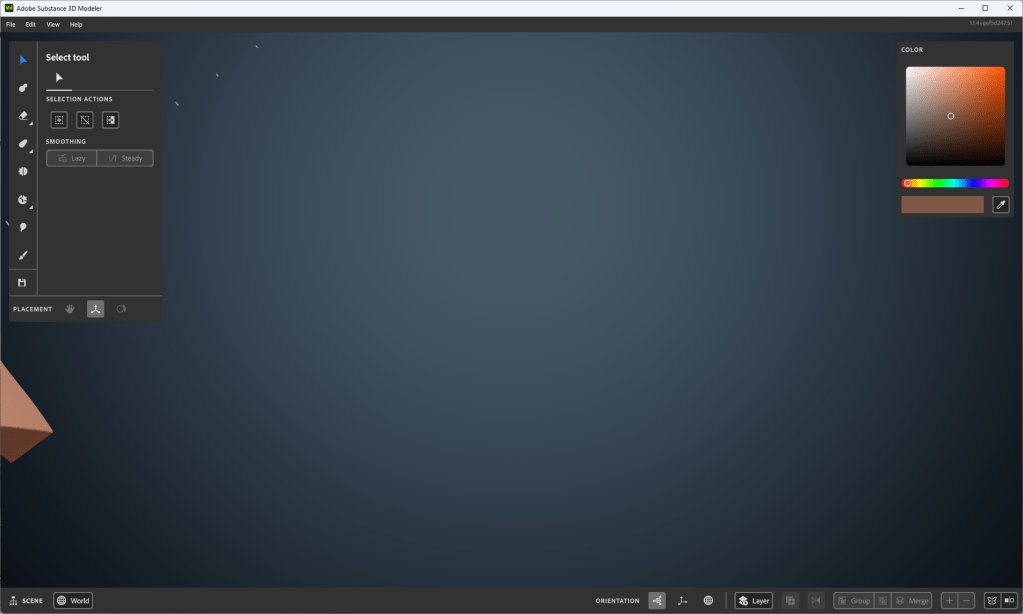
I am having an issue with zooming in on a single object and getting too close. Then when I zoom away the work that I have created is out of view. I try to tap the “R” key twice like it said in the first tutorial but it doesn’t always seem to reset the scene. The workaround I have found for now is to save and reopen the project. I show this at the end of the video below.
Image of my workspace where I can’t seem to focus back on the object I’m creating
While trying to solve this problem I saw this fantastic page that shows all the key commands used for Adobe Substance 3D Modeler, which is super helpful. Thanks, Adobe! You rock!
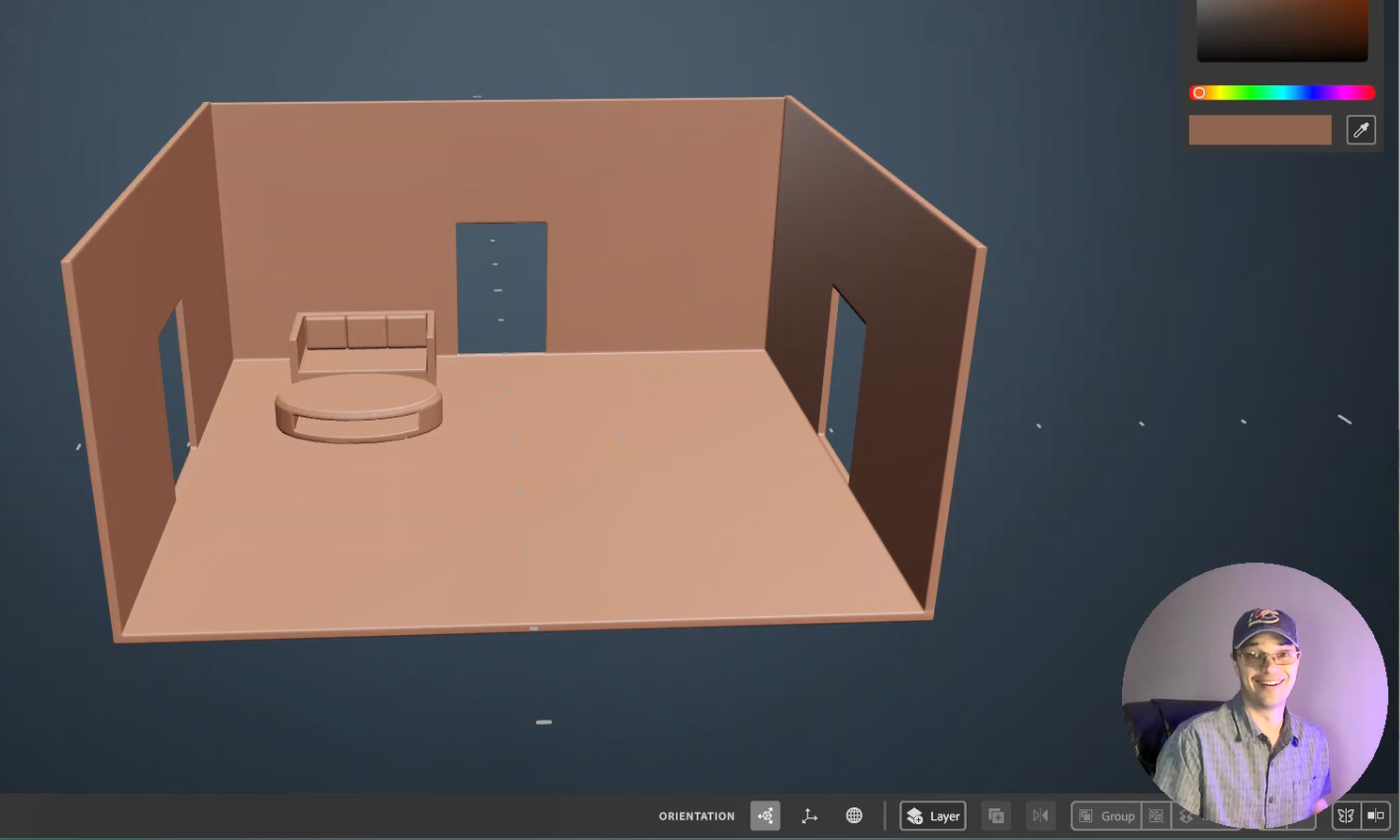
At lunch today I viewed tutorial Video #3 from the free Adobe Tutorials on at least Adober Substance Modeler. I say in the video that I picked a scene of a room from a house because of my theater, instructional design, or house rehab background; but it is just as likely that I have been learning Multi-Craft (later iteration of Minecraft) with my son. I also made an attempt to improve the lighting in my room for this recording. Here is what I came up with from day 2:
I am going to teach myself how to create 3D objects in the virtual space. I don’t know how to use Adobe Substance Modeler, Adobe Substance Painter, or Adobe Substance Designer, nor do I know how to use Adobe Substance Stager. I am going to spend the next 30 days taking the free Adobe Tutorials on at least Adober Substance Modeler and sharing my experience here. We will see how it goes!
Upon taking some preliminary video courses I have learned that this can lead to designing in Virtual Reality and Augmented reality and I want to be very clear that, this is my ultimate goal. For now, I want to build a logo for my brand and I am thinking that the 3D space might be easier than Illustrator. I have some basic designs in Illustrator and they look well… flat.
So far I have been working in Adobe Illustrator which to be fair I have not used in over a decade. I like it, it is very powerful. HUGE shout out to my buddy Luke Lindberg who has been holding my hand through this process. You are the man Luke. If you need a graphic designer, then hit him up!
What I love about living in 2023 is that if you want to learn something new chances are the platform that makes the product you want to learn is producing high-quality learning content and sharing it on Youtube for free! HOT JAMS! Just look at this, 10 fresh clean learning artifacts that walk me through the process. I would be mad to not take advantage of this! Adobe Tutorials “https://youtube.com/playlist?list=PLB0wXHrWAmCwrvuebNKHc7rooXkkVDwln“
So, I am jumping in, I am teaching myself something I know nothing about. So let’s look at what I came up with. You can tell by the concerned look on my face in the next video! This is not the face of a man who knows what he is doing. This is the face of a man who is vulnerable and swimming in waters he does not know.
After Working with the First 3D Substance Modeler Tutorial #1
So, to be candid. I created something and it didn’t work because I was just messing around with the shape of the brush and not actually creating something. Then when I went to reopen the file there was nothing there because I didn’t create anything. So I actually created this after watching the second tutorial but it relates to the first tutorial so I will share it first.
After Working with the First 3D Substance Modeler Tutorial #2
In this tutorial, it became clear how to use the creation “gizmo” or “brush”. You can press the “e” key to set it to a transparent object for erasing. Or you can press the “c” key to create in clay. I am still not clear on what pressing the “c” key does. It sort of bakes the clay and then you can’t erase what you have already done. I really dug in here and created many layers to get an idea of what the limits were.
I am really excited to enter this new space. Even if these aren’t the tools I eventually need to create VR and AR experiences learning these skills will be valuable when I do. I would like to thank the learning team at Adobe who put these learning playlists together. YouTube really is the best LMS on the planet Earth.





 Improvement Dave